

Note: This guide is for general educational purposes. It describes AI finance apps and their general capabilities. It does not constitute financial advice, investment advice, or a recommendation to use any specific app, product, or financial strategy. All AI-generated observations from finance apps are informational only. App features, pricing, and availability are subject to change. Verify current details directly with each provider.
If you are starting to take your personal finances seriously in 2026, you are entering the market at the right moment. The tools available to beginners have made a genuine leap forward. A new category of AI-powered finance apps can connect to your accounts, surface observations about your spending and net worth from your connected data, and answer direct questions about your financial picture in plain English — without requiring a background in finance to understand what they are telling you.
The challenge is that not every app that uses the word “AI” delivers the same thing. Some are genuinely capable tools that connect to your real accounts and respond based on your actual connected data. Others are dashboards with a chat box that produces generic responses unrelated to your situation. And some are excellent tools for one specific purpose but fall short for others.
This guide cuts through the noise. It covers what genuinely beginner-friendly AI finance apps do, walks through the best options available in the USA in 2026, and gives you a clear framework for choosing the one that fits where you are starting from.
One important note before we start: this guide describes what these apps do. It does not recommend any investment strategy, suggest which financial decisions to make, or advise you to move money anywhere. All AI-generated observations from these tools are informational only.
What Makes an AI Finance App Actually Beginner-Friendly
Not every AI finance app is designed for someone who is new to this. Many are built for people who already know what they are doing and want more powerful tools. Before looking at specific apps, it is worth knowing what distinguishes a genuinely beginner-friendly tool.
• Plain language throughout — in the interface, in observations, in onboarding. If understanding what the app is telling you requires a financial background, it is not built for beginners.
• Low setup friction. A beginner should be able to connect their main accounts and see something useful in one session, without reading documentation or configuring complex settings.
• No overwhelming data. Dashboards with fifty metrics are not useful when you are just starting out. Good beginner tools surface the two or three things most relevant right now.
• Honest about what it can and cannot do. Apps that imply the AI will make financial decisions for you or guarantee outcomes are a red flag at any experience level.
• Clear security model. Read-only bank connections, clear data policies, no requests for credentials beyond what is needed for viewing.
• A clear answer to: what do I do first? Beginners need a starting point. The best apps make that obvious.
The Best AI Finance Apps for Beginners in the USA: 2026
The apps below are described based on publicly available information as of July 2026. They are assessed on beginner-friendliness, quality of AI observations from connected data, feature breadth, pricing, and notable limitations. They are not ranked in order of overall quality — different tools suit different starting points. Pricing and features are subject to change; verify current details with each provider.
1. WealthNX
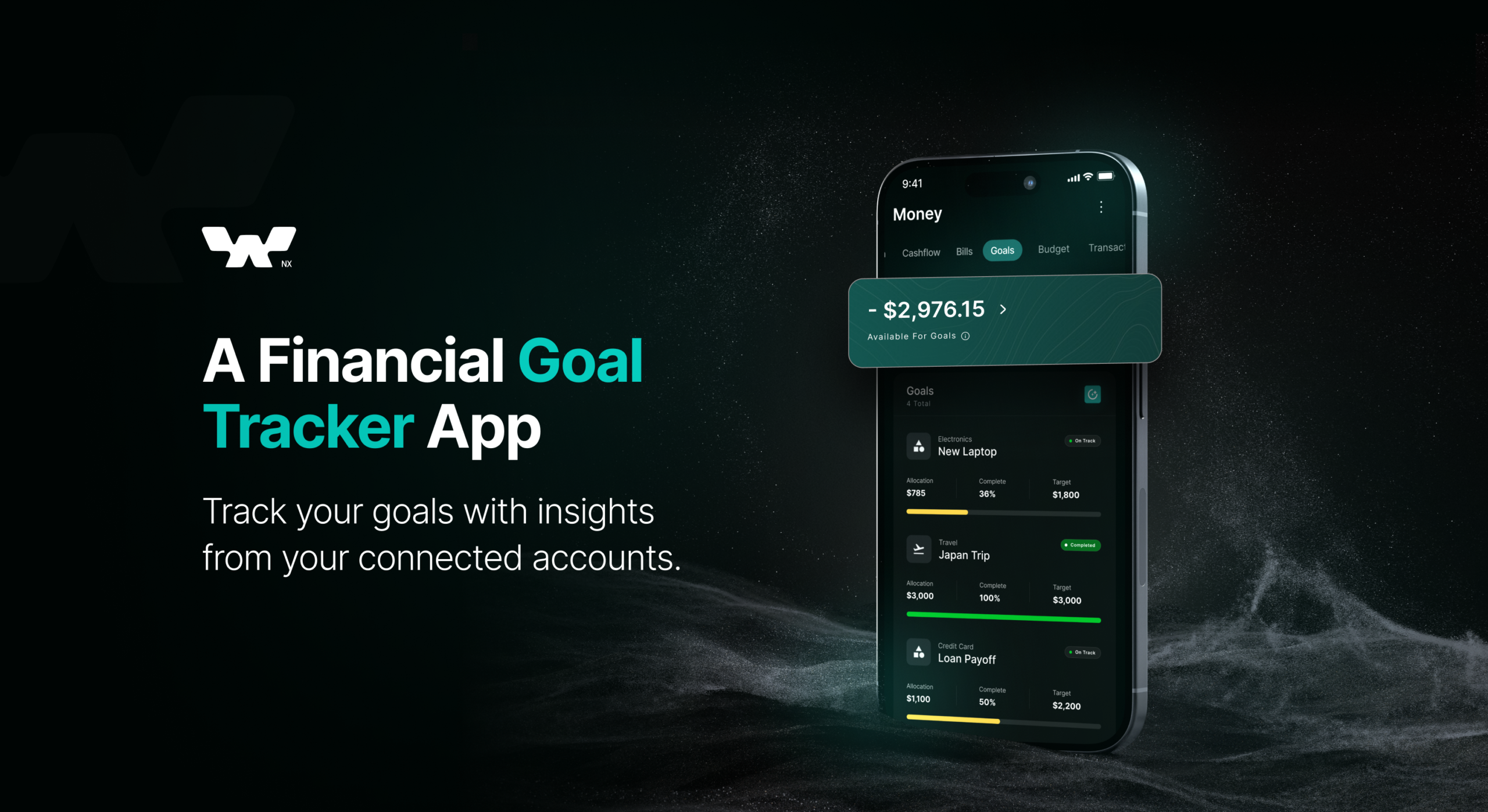
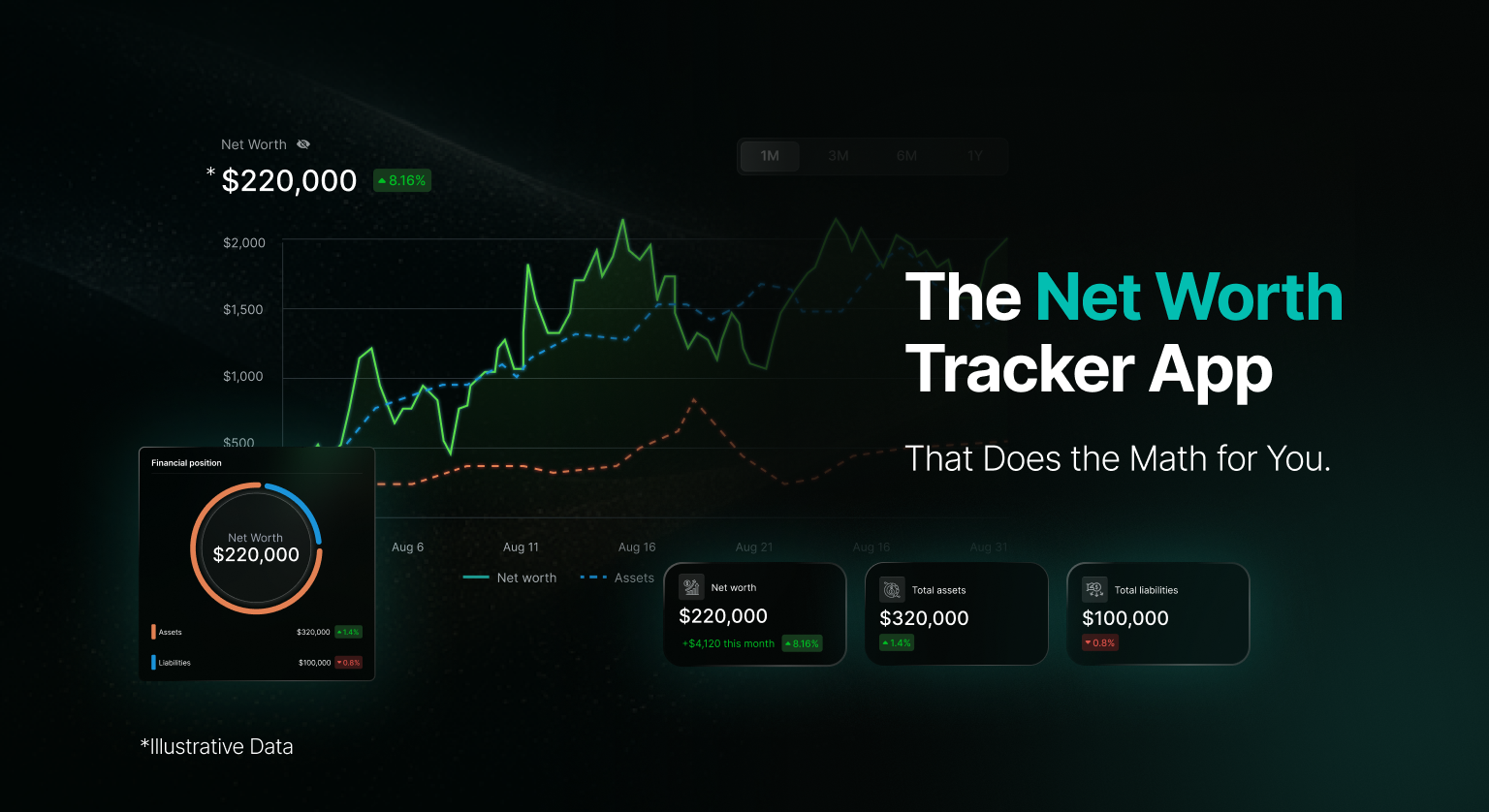
What it does: WealthNX is an AI-powered personal finance platform built to give you a connected picture of your financial life — bank accounts, investments, crypto, and net worth — all in one place. An AI assistant surfaces informational observations from your connected account data and answers questions about your financial position in plain English.
AI observations: The standout feature for beginners is the ability to ask plain-English questions and receive informational responses grounded in your connected account data. Not generic financial tips — observations about your connected spending patterns, balance trends, and overall financial position. All observations are informational only.
Crypto and stocks: One of the few tools that treats both as first-class citizens in the connected view. Connect exchange accounts via read-only API keys, wallet addresses for on-chain balances, and traditional brokerage or bank accounts alongside each other.
Best for: Beginners who hold both traditional finances and some cryptocurrency, or who want a single tool that covers their connected financial picture comprehensively as their financial life grows more complex.
Pricing: Free trial available. Paid plans for full AI and multi-account features. Verify current pricing at wealthnx.ai.
Limitation: Newer platform; the connection library for some smaller institutions continues to expand.
2. Copilot
What it does: Copilot is a personal finance app that connects to bank and investment accounts, categorises transactions automatically using machine learning, and provides a polished dashboard with AI-generated spending observations from connected account data. It is one of the most design-forward apps in the category.
AI observations: Copilot surfaces monthly spending observations from connected data in plain English, flags unusual charges, and learns from manual corrections over time. All observations are informational only.
Best for: Beginners who care about interface quality and want spending observations to feel approachable rather than clinical. Strong on budgeting and subscription tracking from connected accounts.
Pricing: Paid subscription (approximately $13/month or $95/year as of 2026). Free trial available. No free tier. Verify current pricing with Copilot.
Limitation: Does not support crypto tracking. iOS-first (Mac app available; no Android as of mid-2026). US accounts only.
3. Monarch Money
What it does: Monarch Money is a comprehensive budgeting and net worth app with AI features. It connects bank, investment, and loan accounts, supports collaborative features for couples or households, and uses AI to surface spending observations and flag budget variances from connected account data.
AI observations: Monarch’s AI assistant can answer questions about connected spending history, surface budget variances, and help beginners understand their connected financial position. More budgeting-oriented than investment-focused. All observations are informational only.
Best for: Beginners who are focused on budgeting and building financial habits, especially couples or households managing shared finances.
Pricing: Approximately $14.99/month or $99.99/year as of 2026. Free trial available. Verify current pricing with Monarch Money.
Limitation: No crypto support. AI features continue to evolve. Some users report sync issues with less common financial institutions.
4. Cleo
What it does: Cleo is a chat-based AI financial assistant that connects to bank accounts and delivers informational observations about connected spending through a conversational interface with an intentionally casual tone. It is aimed squarely at younger adults who are new to managing money.
AI observations: Cleo responds to natural language questions about connected spending, tracks categories from connected account data, and helps set savings goals. The tone is deliberately casual. All observations are informational only and are not financial advice.
Best for: Beginners who have found traditional finance apps dry or intimidating. Very accessible first step for anyone new to tracking spending.
Pricing: Free tier available with basic features. Cleo Plus (approximately $5.99/month as of 2026) for additional budgeting tools and features. Verify current pricing with Cleo.
Limitation: Bank account focused — does not track investments, crypto, or net worth comprehensively. Better as a starting point than a long-term all-in-one tool.
5. YNAB (You Need a Budget)
What it does: YNAB is a long-established budgeting app built around a specific methodology: give every dollar a job. It includes an AI assistant that can answer questions about your connected budget data, surface spending observations, and guide beginners through the budgeting process.
AI observations: YNAB’s AI assistant helps you understand and use the YNAB budgeting method, answers questions about connected spending categories, and surfaces observations about budget variances. More educational than analytical. All observations are informational only.
Best for: Beginners who want to build real budgeting discipline and are willing to engage with a structured methodology. Strong community and learning resources.
Pricing: Approximately $14.99/month or $109/year as of 2026. 34-day free trial. Verify current pricing with YNAB.
Limitation: YNAB’s methodology requires active participation rather than passive tracking. No investment or crypto tracking. Steeper learning curve than other options on this list.
6. Rocket Money
What it does: Rocket Money connects to bank and credit card accounts, automatically identifies subscriptions and recurring charges from connected data, and surfaces observations about bills and spending patterns. It also offers a bill negotiation service for certain providers.
AI observations: The AI layer surfaces subscription detection and spending observations from connected account data. More alert-driven than conversational. All observations are informational only.
Best for: Beginners whose main financial pain point is not knowing what they are paying for every month. Particularly effective for people with many subscription services.
Pricing: Free tier available. Rocket Money Premium ($6–$12/month as of 2026, you choose) for full features. Verify current pricing with Rocket Money.
Limitation: AI is narrower in scope than some competitors — excellent at subscriptions and spending alerts from connected data, less useful for investment tracking or net worth. Bill negotiation service has mixed user reviews.
Quick Comparison: Which App Fits Your Starting Point
| App | Best for | Crypto | Investments | Free | Approx. cost |
| WealthNX | Crypto + stocks + AI Q&A from connected data | Yes | Yes | No/7 days Free trial | Freemium |
| Copilot | Clean interface, spending observations | No | Yes | No | ~$13/mo |
| Monarch Money | Budgeting, couples and households | No | Yes | No | ~$15/mo |
| Cleo | Conversational, casual tone, spending | No | No | Yes | Free / ~$6/mo |
| YNAB | Structured budgeting discipline | No | No | No | ~$15/mo |
| Rocket Money | Subscription tracking, spending alerts | No | No | Yes | Free / $6–$12/mo |
No single app is best for every beginner. The right tool depends on where your financial life is right now and what you most need to understand about it. All AI-generated observations from any of these tools are informational only.
How to Choose the Right App for Where You Are
If you hold crypto alongside traditional accounts
Most apps on this list do not support crypto. WealthNX is the option built for this from the ground up, with wallet address tracking, exchange API connections with read-only permissions, and a unified connected net worth view across traditional and digital assets. Cryptocurrencies are highly volatile; any connected values reflect the latest available data and will fluctuate.
If budgeting is your main focus
YNAB and Monarch Money are the strongest options, with different approaches. YNAB requires more active engagement with its specific budgeting methodology and has a steeper learning curve. Monarch is more passive and better suited to households or couples tracking shared finances from connected accounts.
If you are starting from zero and feel intimidated
Cleo is the lowest-friction entry point. The conversational interface and casual tone remove much of the anxiety that comes with looking at financial data for the first time. It is not the most comprehensive tool, but it is the most approachable starting point.
If subscriptions and bill creep are your biggest problem
Rocket Money is purpose-built for this. Subscription detection from connected account data is one of the most accurate in the category, and for someone who suspects they are losing money to forgotten charges, it delivers immediate visible observations.
If interface quality matters to you
Copilot has the most polished interface on this list. If you have tried finance apps before and stopped using them because they felt cluttered or clinical, Copilot is worth trying during a free trial. The trade-off is iOS-only and no crypto support.
What Beginners Usually Get Wrong About AI Finance Apps
Expecting the AI to make decisions
AI finance apps surface observations from connected account data. They do not tell you what to do with your money, and any app that implies it will is overpromising. All AI-generated observations are informational only. The decisions are still yours, and significant financial decisions warrant professional guidance.
Connecting only some accounts and trusting the full picture
A net worth figure or spending observation that is missing several connected accounts is not accurate — it is a partial picture that looks complete. Connect everything relevant, or be conscious that what you are seeing is incomplete.
Giving up after the first week
Most AI finance apps improve with time. The first week involves connecting accounts, correcting miscategorised transactions, and establishing a baseline. Meaningful observations from connected data come after the AI has enough history to identify patterns. Four to six weeks is a fairer evaluation period than seven days.
Assuming free means full-featured
Free tiers are often genuinely limited. They are designed to give you a taste, not a complete tool. Check what the free tier actually includes before building a habit around features that require a paid plan.
Treating AI observations as financial advice
An AI financial assistant can surface an observation that your dining spend went up 40% last month based on your connected account data. It cannot tell you whether that is a problem given your income, your goals, and your broader financial situation. For personalised guidance, a human financial advisor is the appropriate resource.
Security Basics Every Beginner Should Know
• Read-only access is the standard. A reputable finance app connects to your accounts using read-only permissions. It can see your balances and transactions. It cannot move your money. Confirm this before connecting.
• Never share passwords. Legitimate apps connect via services like Plaid that authenticate with your bank without the app seeing your credentials.
• For crypto: read-only API keys only. When generating API keys for exchange connections, use view-only or read-only permissions with no trading or withdrawal rights. For wallets, share your public address only — never your private key or seed phrase.
• Check the privacy policy. Understand whether the app sells or shares your financial data and what happens to your data if you cancel.
• Enable two-factor authentication on the finance app itself and on every connected financial account.
What These Apps Can and Cannot Do
| Can do | Cannot do |
| Connect multiple account types in one place | Make financial decisions on your behalf |
| Surface spending observations from connected account data | Guarantee any financial outcome |
| Track connected net worth automatically | Provide personalised financial advice |
| Surface subscriptions and recurring charges | Account for context the connected data does not contain |
| Answer informational questions about connected accounts | Replace a qualified financial advisor |
| Improve observations over time as connections mature | Be more accurate than their data connections |
The Honest Summary
AI finance apps for beginners in the USA in 2026 are the most capable and accessible they have ever been. The shift from dashboard-and-charts to conversational observations grounded in connected account data is real, and for someone who has always found money management confusing or anxiety-inducing, that shift matters.
The right app depends on your starting point. If you hold crypto alongside traditional accounts and want one tool that covers your connected financial picture, WealthNX is built for exactly that. If you want structured budgeting with discipline, YNAB. If you want the easiest possible entry point, Cleo. If you want the best-designed interface, Copilot. If subscriptions are your first problem to solve, Rocket Money.
Whatever you choose: connect your real accounts, give it a month, and judge by whether it surfaces informational observations about your connected financial situation that you did not already have. All AI-generated observations from any of these tools are informational only and should not be interpreted as personalised financial advice.
Frequently Asked Questions
What is the best AI finance app for beginners in the USA?
There is no single best app — the right choice depends on your financial situation and what you most need to understand. For beginners with both traditional accounts and crypto, WealthNX offers the most complete connected coverage. For budgeting-focused beginners, YNAB or Monarch Money. For the most approachable first step, Cleo. For subscription tracking from connected accounts, Rocket Money. For the cleanest interface, Copilot.
Are AI finance apps safe to use?
Reputable AI finance apps use read-only connections, meaning they can see your connected account data but cannot move money. Most US-based tools connect via Plaid or similar services that authenticate directly with your bank. Before connecting, confirm the app uses read-only access and review its privacy policy. Never share your banking password or crypto private keys directly with any app.
Do I need to pay for an AI finance app to get real value?
Free tiers on apps like WealthNX, Cleo, and Rocket Money provide genuine value, though with feature limitations. Full AI features and unlimited account connections typically require a paid plan. Most paid apps offer a free trial long enough to evaluate whether the paid features deliver useful observations from your connected data before committing.
Can these apps help with cryptocurrency as well as regular bank accounts?
Most AI finance apps do not support crypto. WealthNX is the strongest option for beginners who hold both, with support for exchange API connections and public wallet address tracking across multiple chains, alongside traditional bank and investment accounts. Cryptocurrencies are highly volatile and connected values will fluctuate.
Will an AI finance app tell me what to invest in?
No — and any app that claims to is overpromising. AI finance apps surface informational observations from your connected account data. They do not provide investment recommendations, predict market movements, or advise on asset allocation. For personalised investment guidance, consult a licensed financial advisor.
How long does it take to see useful observations from an AI finance app?
Most people start seeing meaningful observations from connected account data within two to four weeks, once the app has enough transaction history to identify patterns. The first week is primarily setup: connecting accounts, correcting any miscategorised transactions, and establishing a baseline. A realistic evaluation period is four to six weeks.
Target Keywords for Month-One Ranking
Primary target: beginner’s guide to best AI finance apps USA — exact match to title, high commercial intent, featured snippet candidate
Disclaimer
This article is for general informational and educational purposes only. It does not constitute financial advice, investment advice, or any form of personalised financial guidance and does not recommend any specific app, product, or financial strategy. App descriptions, pricing, and features reflect publicly available information as of July 2026 and are subject to change. Always verify current details directly with the relevant provider.
All AI-generated observations from finance apps are informational only and should not be interpreted as personalised financial advice or recommendations to buy, sell, or hold any asset. AI responses are generated from connected account data and may be affected by incomplete, delayed, or inaccurate information from connected sources. The inclusion of any app in this guide does not constitute an endorsement. WealthNX is a product of the publisher of this blog. All other apps are described based on publicly available information.
Cryptocurrencies and other digital assets are highly volatile and may experience significant price fluctuations over short periods. For advice tailored to your personal financial situation, consult a licensed financial advisor or qualified professional in your jurisdiction.