
You choose what connects
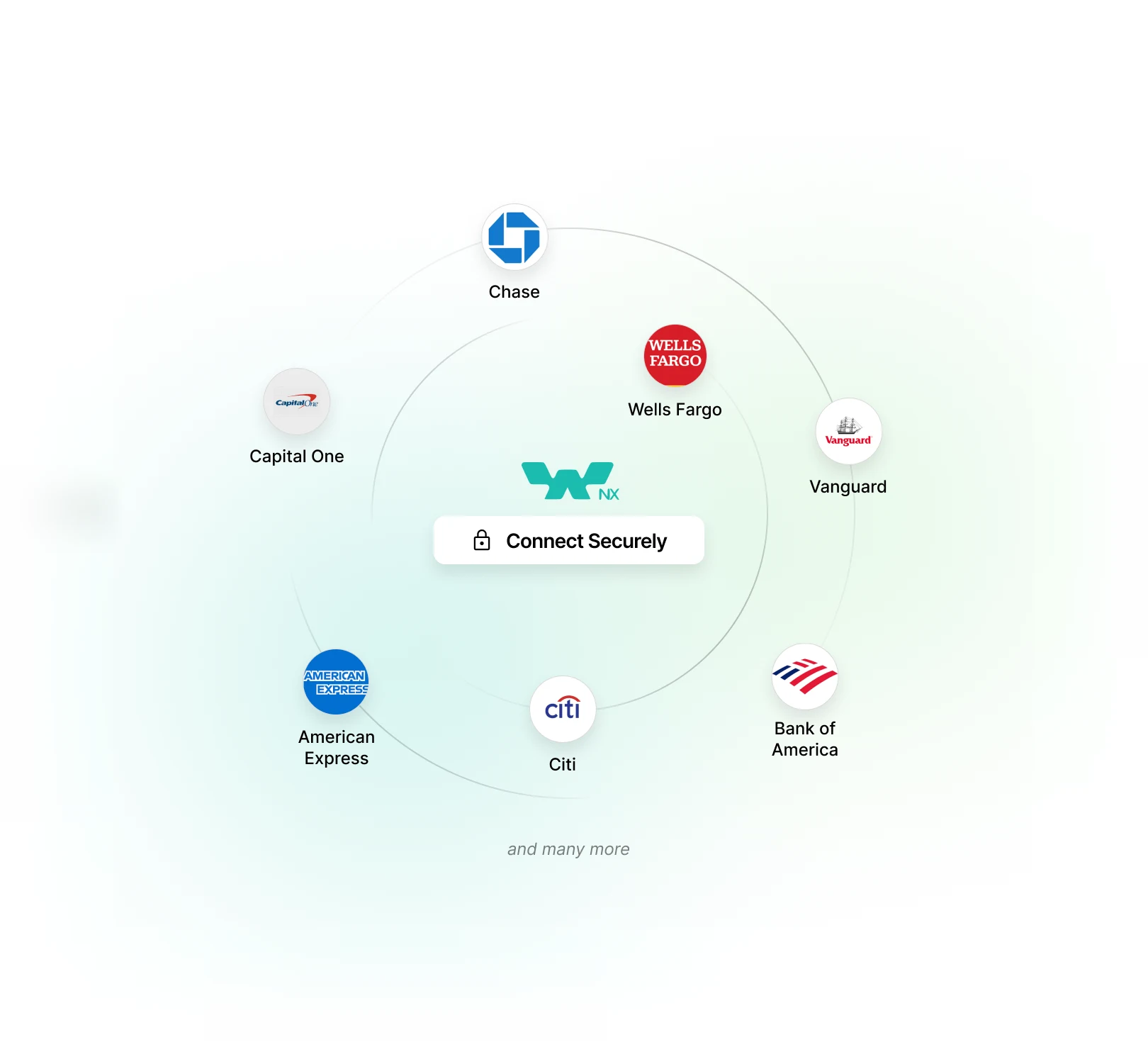
You sign in to your bank, brokerage or crypto account through Plaid and pick the accounts to link
You connect your bank, brokerage and crypto accounts through Plaid's read-only
sign-in or manually. WealthNX then turns that scattered financial data into clear
insights, so you understand your money and can plan with more confidence.
Bank, brokerage and crypto
accounts, linked through Plaid
Connect supported checking, savings, credit card, loan, brokerage and crypto accounts through Plaid, which supports 12,000+ financial institutions
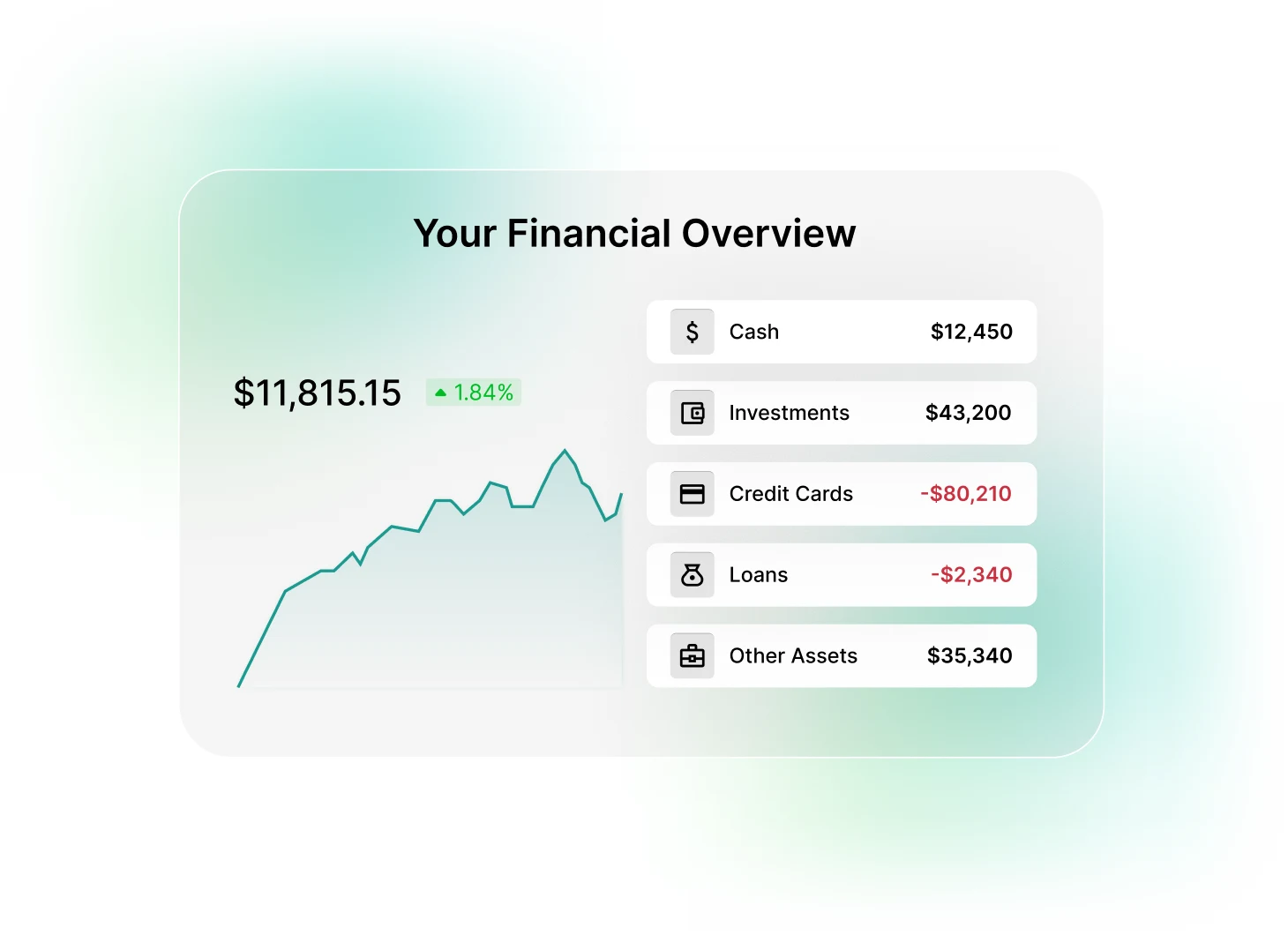
Where you stand, on one screen
Net worth, income, spending, debts and investments appear in one place, so there's no switching between bank and brokerage apps.
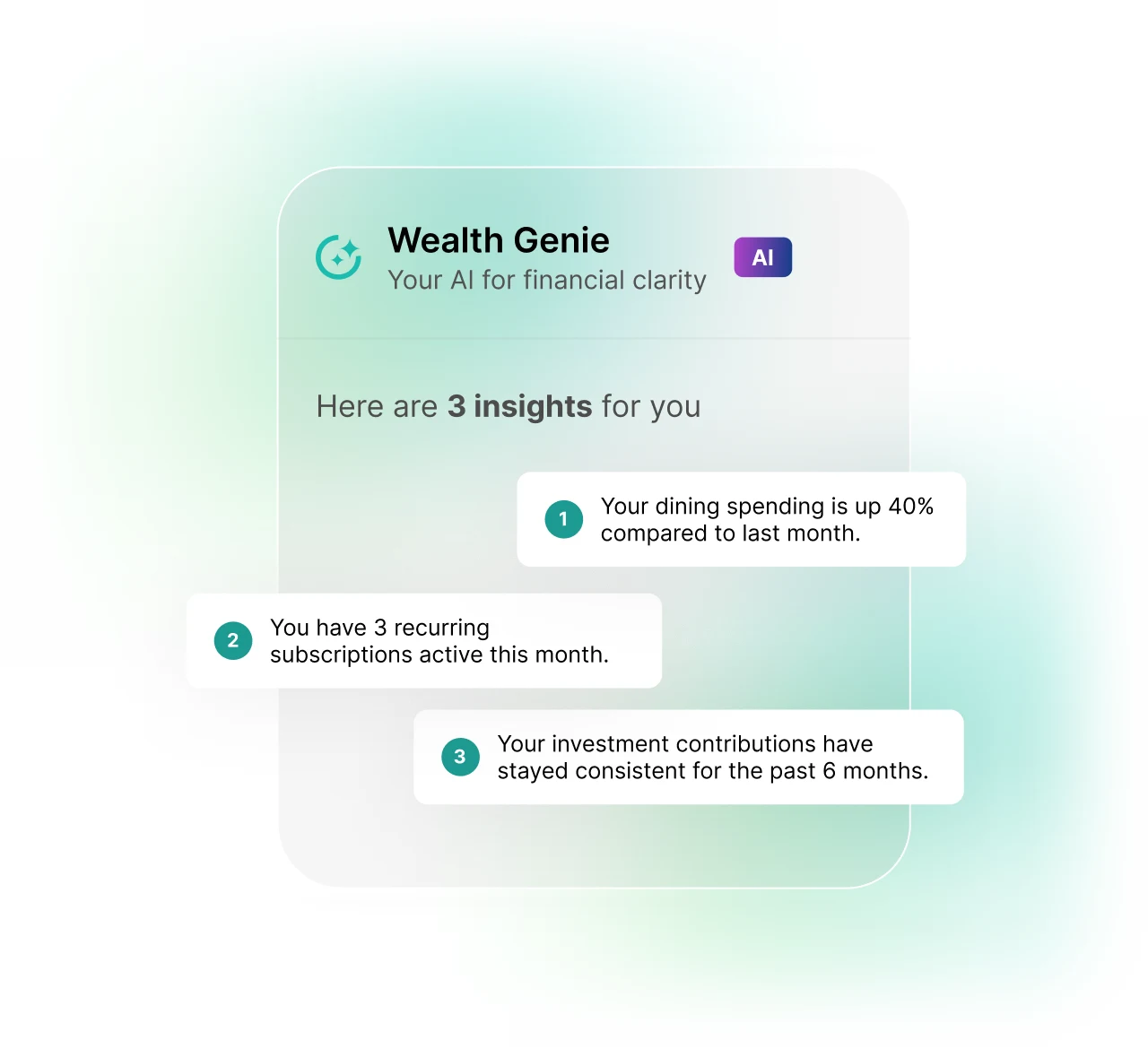
Wealth Genie explains your numbers in plain words
Wealth Genie answers questions about your own accounts, using your data and market data. AI Insights give timely information about upcoming bills, spending patterns and budgets, based on available financial data.
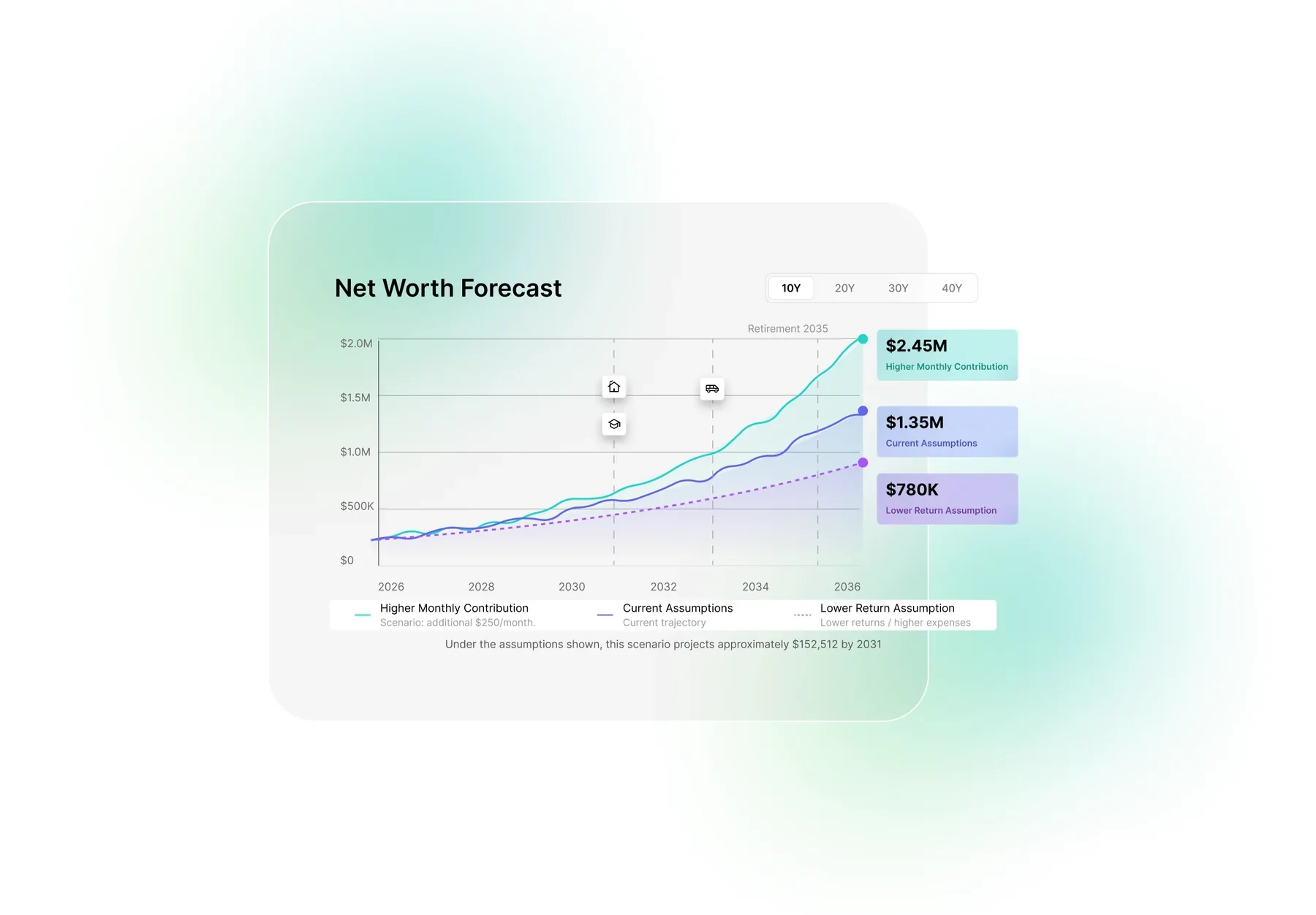
Estimates for the years ahead
Forecasting estimates your future balances and net worth from your income, spending and the assumptions you set. Changing an input shows how the estimate moves.
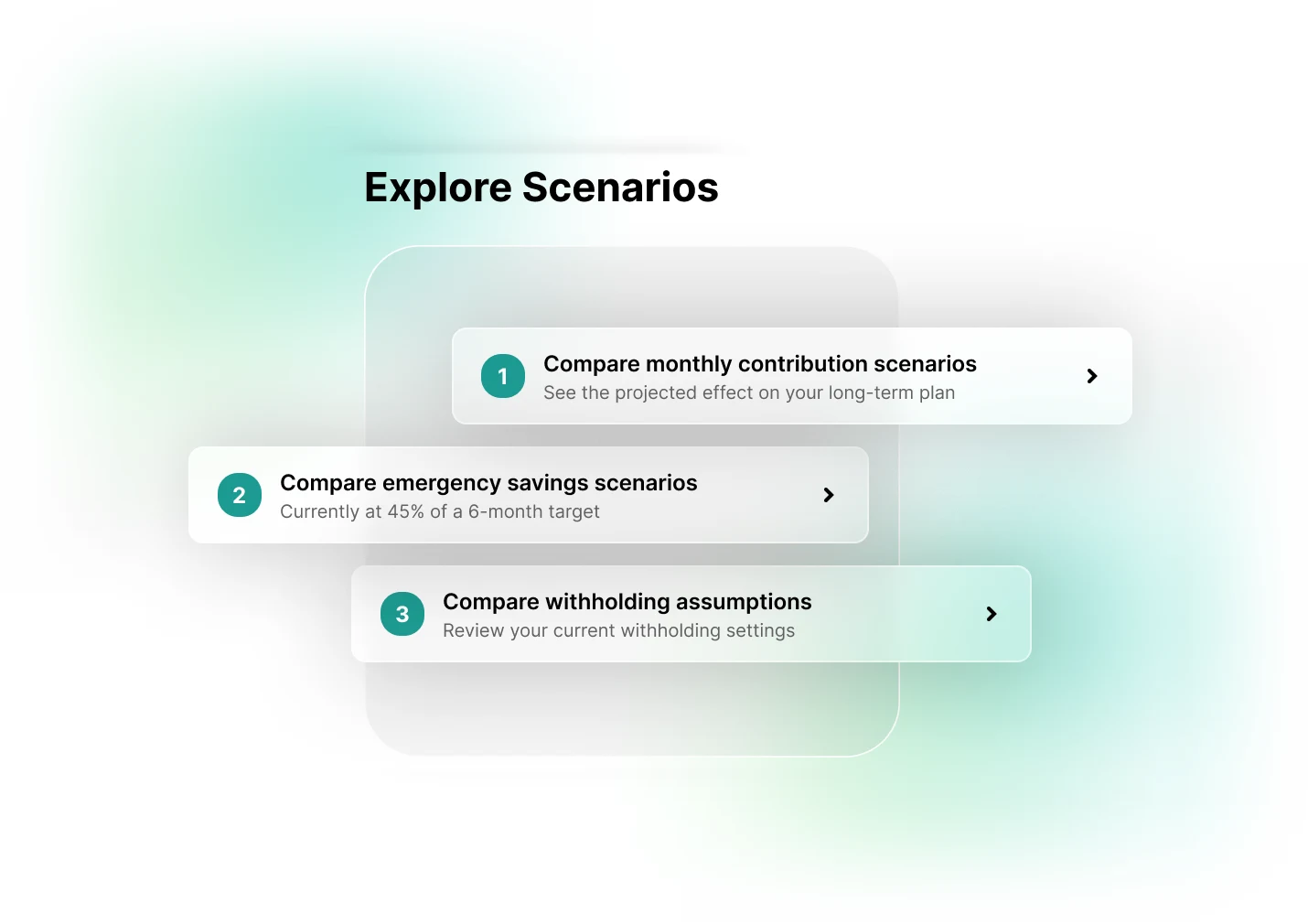
Compare different assumptions and see how they affect your projection.
Your goals and your progress
Savings goals show your progress as your linked balances update. Wealth Genie can explain the calculations behind a goal, and what to do next stays your decision.
You sign in to your bank, brokerage or crypto account through Plaid and choose which accounts to link. The connection is read-only, and WealthNX never stores your login credentials.
The account can be added by hand, and transaction or balance history can be imported from a PDF or CSV statement.
Choose your brokerage when connecting an account and sign in through Plaid, which supports 12,000+ financial institutions. The connection is read-only, so WealthNX can show your holdings but cannot place trades.
WealthNX uses Plaid to connect your accounts with read-only access, then brings your banking, investing, crypto, credit and loan data together in one place. Wealth Genie, its AI assistant, answers questions about your own accounts.
A personal finance app connects to your accounts, gathers your balances and transactions in one place, and organizes them into clear views of your net worth, spending and trends. WealthNX is not a broker and cannot move money or place trades.
Which data is available, and how often it updates, depends on your institution. If an account still will not connect, you can add it manually and import history from a PDF or CSV statement.
Data is encrypted in transit and at rest, and WealthNX is ISO 27001 certified.
You sign in to your bank, brokerage or crypto account through Plaid and pick the accounts to link
The connection cannot move or withdraw money, make payments or place trades
Your balances and transactions appear in your WealthNX view. The connection cannot change anything in the account
WealthNX does not store your connected-account login credentials on its servers.
Connect accounts, track net worth, analyze stock, crypto and get clear insights with AI, all in one place.
