
Quick Answer
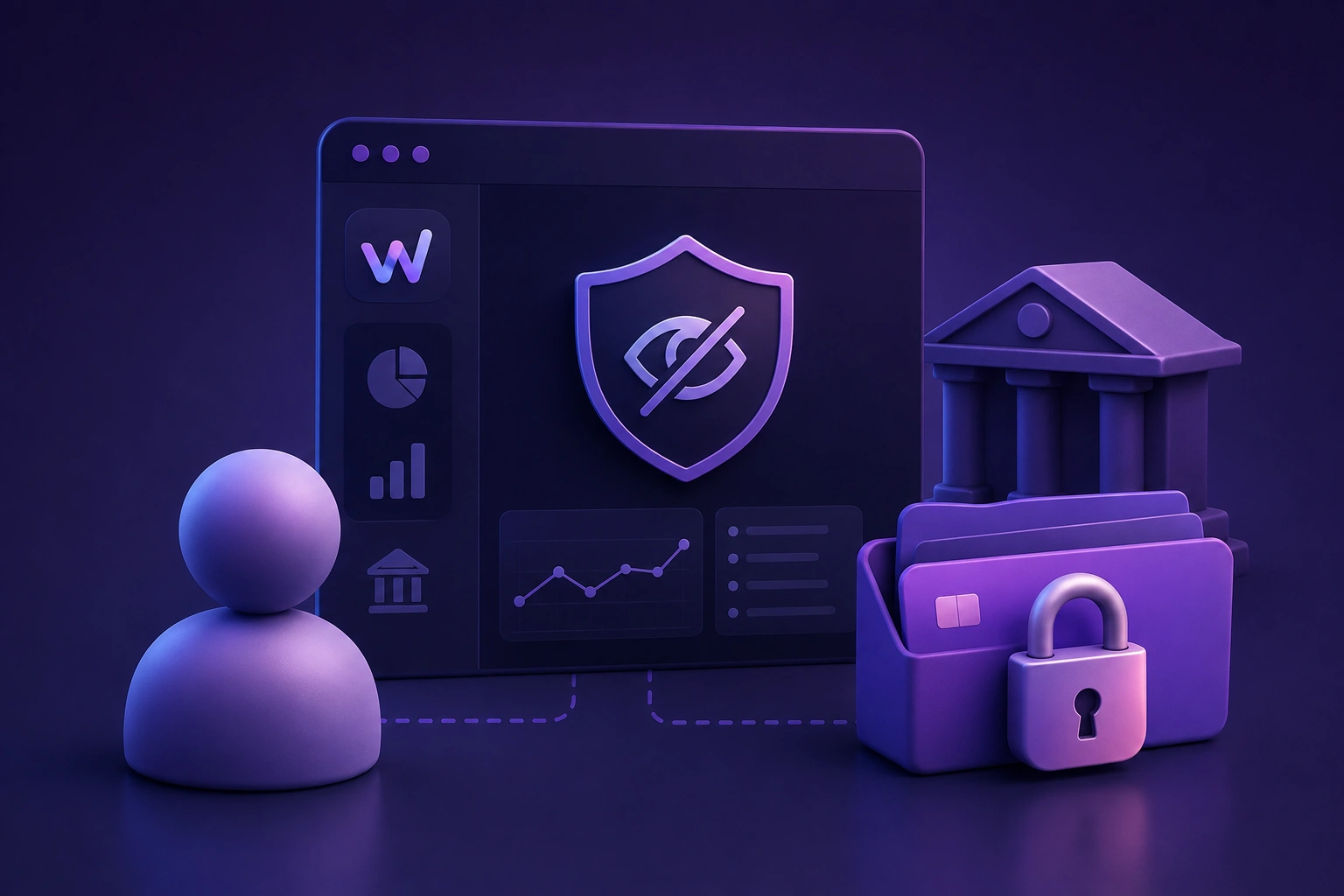
Read-only account access means a connected app can view your account data, such as balances, transaction history, and holdings, but has no ability to move money, initiate transfers, make payments, or change your account in any way. The app is an observer of your financial data, not a participant in your financial accounts. This is the standard used by reputable finance apps that connect to bank, brokerage, and cryptocurrency accounts.
When a finance app asks you to connect your bank account, the phrase read-only access usually appears somewhere in the setup flow. It is easy to scroll past, especially when you are focused on getting the app working. But understanding what it means, and what it rules out, is one of the more useful things to know before linking any financial account to any third-party tool.
This article explains the concept in plain language, covers how it works in practice for different account types, and outlines what read-only access does and does not protect you against.
What Read-Only Access Actually Means
The term comes from a straightforward technical concept. In software, read access means a system can view data. Write access means it can change data. Read-only means the first is permitted and the second is not.
Applied to a financial account, read-only access means the connected app can retrieve available data from that account, such as your current balance, recent transactions, account name, and in some cases holdings or positions, but has no capability to initiate any action on the account. It cannot transfer funds, make a payment, place a trade, or alter your account settings. The connection is strictly for viewing data, not for taking actions.
Read-only access is like giving someone a view of your bank statement. They can see what is there. They cannot sign cheques or move money.
How It Works for Different Account Types
Bank and savings accounts
For bank accounts, read-only access in the US is typically implemented through a service like Plaid or a similar open banking intermediary. Rather than entering your banking username and password directly into the finance app, you are routed through the intermediary’s own secure interface, which authenticates with your bank and returns a limited-permission token to the app. The app uses that token to retrieve available account data. It never sees your banking credentials, and the token it holds has no payment or transfer capabilities.
Brokerage and retirement accounts
For brokerage accounts and retirement accounts such as a 401k or IRA, read-only connections allow the app to retrieve balance information and in many cases holdings data, showing which assets are held and their available values. The app cannot place trades, buy or sell any holdings, or change investment settings. As with bank accounts, the connection is used only to retrieve available data for display.
Cryptocurrency exchanges
For cryptocurrency exchange accounts, read-only access is typically implemented through an API key. When you generate an API key in your exchange account settings, you can restrict what that key is permitted to do. A read-only or view-only API key allows the connected app to retrieve your balance and holdings data from the exchange. It does not allow the app to execute trades, initiate withdrawals, or take any action on your account. When generating an API key for a finance app, confirm that it is restricted to view-only permissions with no trading or withdrawal rights.
Wallets and on-chain holdings
For cryptocurrency held in self-custody wallets, read-only access works differently because there is no account login involved. Instead, you provide the app with your public wallet address. Using that address, the app can look up your on-chain balance and transaction history through publicly available blockchain data. Your private key or seed phrase is never involved and should never be entered into any finance app. The public address is the only thing shared, and it is already publicly visible on the blockchain.
What Read-Only Access Can and Cannot Do
| With read-only access, an app can | With read-only access, an app cannot |
| • View your account balance | • Transfer or move money |
| • Retrieve available transaction history | • Make payments or direct debits |
| • Display holdings and positions | • Place trades or buy and sell assets |
| • Show account name and type | • Change your account settings or details |
| • Surface informational observations from available data | • Log in to your accounts independently |
| • Update figures as new data becomes available | • Authorise or approve any financial action |
What Read-Only Access Does Not Protect Against
Read-only access is a meaningful security feature, but it has a specific scope. Understanding what it does not address is as important as understanding what it does.
Data exposure in a breach
If the finance app itself were to experience a security incident, read-only access to your accounts would not prevent your financial data, balances, transaction history, and holdings from being exposed. Read-only limits what the app can do with your accounts. It does not prevent the data retrieved from those accounts from being accessible to others if the app’s own systems are compromised. This is why the app’s own security practices, encryption standards, and independent certifications such as ISO 27001 are also relevant considerations, separate from the read-only access question.
Data handling and privacy
Read-only access describes the connection between the app and your financial institution. It does not describe what the app does with the data it retrieves. Reviewing the app’s privacy policy to understand how financial information is collected, used, shared, and protected is a separate and equally important step before connecting any account.
Phishing and credential theft
Read-only access implemented through a legitimate intermediary service means the finance app does not see your banking credentials. It does not protect against a fake app or a phishing page that mimics a legitimate service and asks for your login details directly. Confirming you are connecting through the genuine app from a verified source is a basic step worth taking regardless of what access level any app claims to use.
How to Verify That a Connection Is Read-Only
A few practical steps help confirm that a connection is genuinely limited to read-only before and after connecting.
• Check the app’s security documentation or help pages for an explicit statement that connections use read-only access. This is usually described in the security or privacy section of a reputable app’s website.
• When connecting via an intermediary service like Plaid, look at what permissions are listed during the authentication flow. Reputable intermediaries display the scope of access being granted.
• For cryptocurrency exchange connections, review the API key you generate before adding it to the app. Most exchanges label the permission levels clearly when creating a key, for example view, trade, and withdraw. Confirm that only view or read permissions are enabled.
• After connecting, check your exchange account’s API key list to see what permissions the key in use actually holds. This is the authoritative source for what the connection is permitted to do.
Read-Only Access and WealthNX
WealthNX can connect to supported bank and brokerage accounts through read only connections and retrieves available account data, including balances and holdings as applicable, from supported connected accounts. For cryptocurrency exchanges, connections use read-only API keys with no trading or withdrawal permissions. For on-chain cryptocurrency holdings, public wallet addresses are used to retrieve available balance data without any access to private keys or seed phrases.
Read-only access means WealthNX can display available financial data from supported connected accounts and surface informational observations from that data. It does not allow WealthNX to initiate transfers, make payments, or take any action on connected accounts. All observations provided by WealthNX are informational only and are not financial advice. Responses may be affected by incomplete, delayed, or unavailable data from connected accounts.
WealthNX holds ISO 27001 certification, the internationally recognised standard for information security management, and its privacy policy addresses how financial information is collected, used, shared, and protected. WealthNX is the publisher of this article and references its own services where relevant.
Summary
Read-only access is a meaningful and important security boundary. For someone connecting a bank account or a crypto exchange to a finance app, it means the app is restricted to viewing available account data and has no capability to initiate financial transactions or alter your accounts. That is a materially different proposition from giving a third party full access to your accounts.
It is also one part of a broader set of considerations. How the app handles the data it retrieves, what its privacy policy says, and what its own security practices are, all matter alongside the read-only question. Checking all of these before connecting any account takes a few minutes and is worth the time.
Frequently Asked Questions
Does read-only access mean the app can see my passwords?
No. When a finance app connects through a legitimate intermediary service such as Plaid, your banking credentials are entered into the intermediary’s own interface, not into the finance app itself. The app receives a limited-permission token that allows it to retrieve available account data. It does not see your password or store your login credentials.
Can a read-only app take money from my account?
A read-only connection does not permit the app to initiate transfers, make payments, or move funds. The connection is restricted to retrieving available account data. That said, read-only access describes the scope of the connection, not the security of the app itself. Reviewing the app’s own security practices and privacy policy separately is also recommended before connecting.
What is the difference between read-only access and full account access?
Full account access, sometimes described as read and write access, would allow a connected app to take actions on your account as well as view it. That could include initiating transfers, making payments, or placing trades. Read-only access restricts the connection to viewing available data only, with no capability to initiate any action. Finance apps that connect for tracking and observation purposes should use read-only access.
Is read-only access for crypto the same as for a bank account?
The concept is the same, but the implementation differs. For bank accounts, read-only access is typically managed through an intermediary service. For cryptocurrency exchanges, it is typically implemented through a view-only API key that you generate yourself in the exchange settings, with trade and withdrawal permissions disabled. For self-custody wallets, only a public address is shared, which allows the app to look up available balance data from publicly accessible blockchain records.
Disclaimer
This article is for general informational and educational purposes only and does not constitute financial, legal, or cybersecurity advice. WealthNX is the publisher of this article and references its own services where relevant. WealthNX holds ISO 27001 certification, the internationally recognised standard for information security management.
All AI generated observations provided by WealthNX are informational only and are not personalised financial advice. Responses are generated from available data from connected accounts and may be affected by incomplete, delayed, or unavailable data from connected accounts. For advice tailored to your situation, consult a licensed financial advisor.