
Ever thought about the best password manager for banking and financial accounts? Managing your financial life online means juggling multiple passwords for banking apps, investment platforms, credit card accounts, and budgeting tools. The average person has access to 3-5 different financial accounts, each requiring a unique, strong password (Dashlane, 2023). This is where password managers come into the picture.
What Is a Password Manager?
A password manager is a digital tool that stores and organizes all your passwords in one encrypted vault. Instead of remembering dozens of complex passwords, you only need to remember one master password to access your vault. The password manager handles the rest, automatically filling in your login credentials when you visit your financial apps or websites.
Think of it as a secure digital filing cabinet where all your keys are stored, but only you have the combination to open it.
The Password Problem in Personal Finance
Most people struggle with password security when it comes to their financial accounts. Research from the Ponemon Institute shows that 51% of people reuse passwords across multiple accounts, including banking and financial services (Ponemon Institute, 2022). This creates a significant security risk.
When you reuse passwords, a breach at one service could compromise all your accounts. If hackers obtain your password from a compromised website, they can try that same password on banking sites, investment platforms, and payment apps.
Why Financial Experts Support Password Managers
Security professionals and financial experts have increasingly recommended password managers as an essential tool for protecting financial information online. Here’s why:
Stronger Password Creation
Password managers generate random, complex passwords that are virtually impossible to crack. These passwords typically include uppercase and lowercase letters, numbers, and special characters in combinations that no human would naturally create or remember.
A typical password manager-generated password might look like: K9$mP2xL#vN8qR4w. This is exponentially more secure than common passwords like “Password123” or “Summer2024.”
Reduced Risk of Phishing
Password managers can recognize legitimate websites and will only auto-fill credentials on the correct sites. If you accidentally land on a fake banking website designed to steal your information, your password manager won’t auto-fill your credentials because it doesn’t recognize the URL (Consumer Reports, 2023).
Elimination of Password Reuse
With a password manager, every single one of your financial accounts can have a unique password. This means a security breach at your gym’s payment portal won’t put your retirement account at risk.
Secure Sharing Features
Many households share access to certain financial accounts. Password managers allow you to share login credentials securely without sending passwords through text messages or emails, which can be intercepted.
How Password Managers Work
The technology behind password managers involves multiple layers of security:
- Encryption: Your password vault is encrypted using advanced encryption standards (typically AES-256 bit encryption), the same level used by banks and military organizations.
- Zero-Knowledge Architecture: Reputable password managers use a zero-knowledge system, meaning the company itself cannot access your passwords. Only you, with your master password, can decrypt your vault.
- Multi-Factor Authentication: Most password managers support additional security layers beyond your master password, such as fingerprint recognition, facial recognition, or authentication apps.
- Local Decryption: Your passwords are decrypted on your device, not on the password manager’s servers, adding another layer of protection.
Comparing Password Manager Features
Different password managers offer varying features that may be relevant for managing financial accounts:
|
Feature |
Why It Matters for Financial Apps |
Commonly Available |
|
Auto-fill |
Quickly log into banking apps without typing |
Yes |
|
Password generator |
Creates strong, unique passwords for each account |
Yes |
|
Security alerts |
Notifies you of breached passwords or weak credentials |
Most services |
|
Secure notes |
Store account numbers, PINs, or security questions |
Yes |
|
Cross-device sync |
Access your passwords on phone, tablet, and computer |
Yes |
|
Biometric unlock |
Use fingerprint or face recognition instead of master password |
Most mobile apps |
|
Emergency access |
Designated person can access your vault if needed |
Some services |
|
Password sharing |
Share account access with family members securely |
Most services |
Real-World Impact on Financial Security
The financial impact of poor password practices can be substantial. According to the Federal Trade Commission, consumers reported losing over $10 billion to fraud in 2023, with many cases involving compromised account credentials (FTC, 2024). While password managers cannot prevent all fraud, they significantly reduce the risk of credential-based attacks.
Financial institutions recognize this value. Many banks now explicitly recommend using password managers in their security education materials, and some even partner with password manager companies to offer discounted or free services to their customers.
Common Concerns About Password Managers
“What if the password manager gets hacked?”
Major password manager companies use encryption that makes accessing your data virtually impossible even if their systems are breached. The few incidents that have occurred in the industry resulted in no actual password data being compromised due to the encryption methods used (Krebs on Security, 2023).
“What if I forget my master password?”
Most password managers offer account recovery options, though these vary by service. Some use security keys, others use email verification combined with account details, and some offer emergency access contacts. The key is setting up these recovery options when you first create your account.
“Isn’t it risky to put all passwords in one place?”
This concern is understandable but misplaced. The encryption used by password managers makes them significantly more secure than alternatives like writing passwords down, saving them in unencrypted documents, or reusing the same password across sites.
The Role of Financial Education Tools
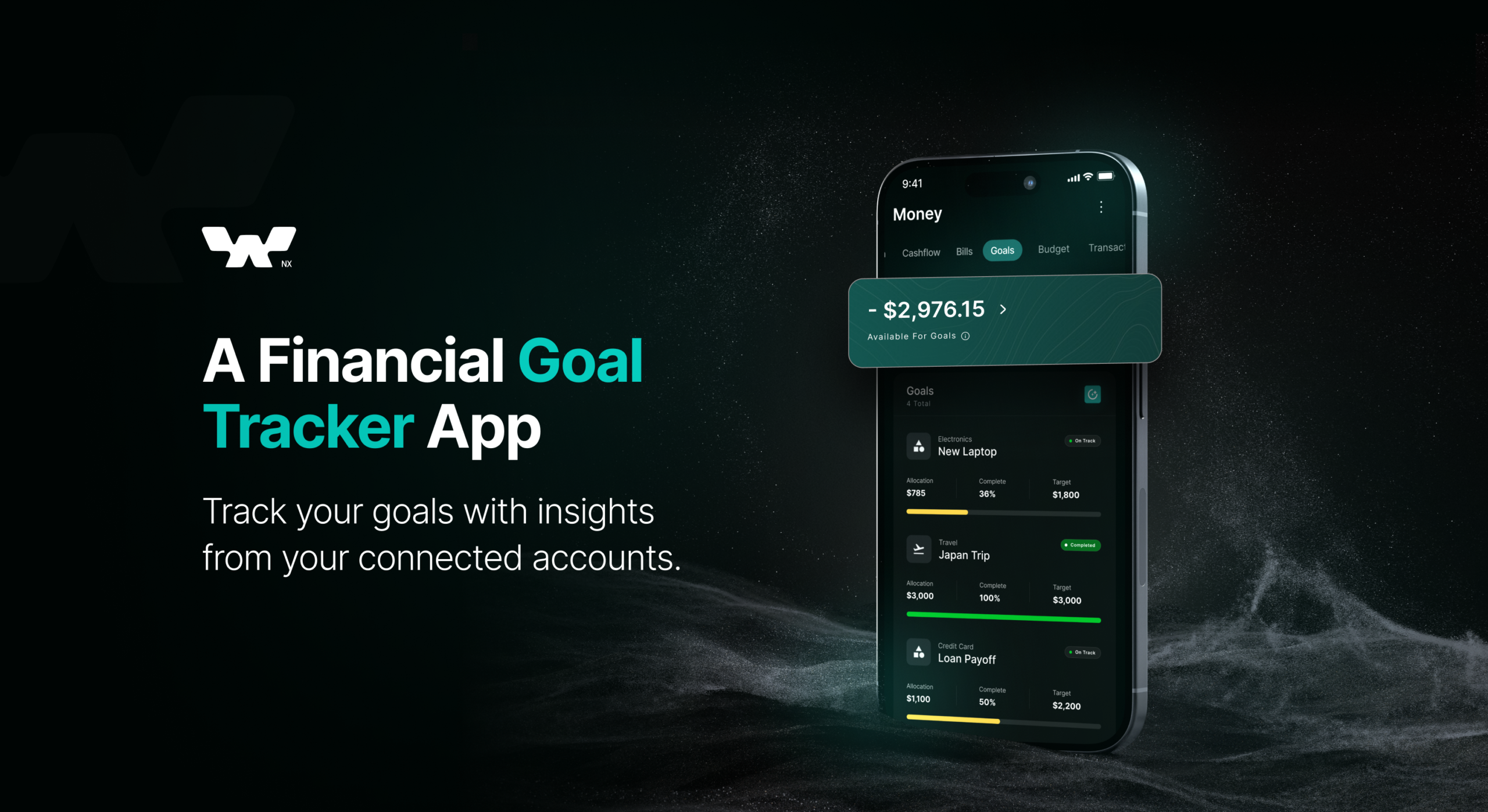
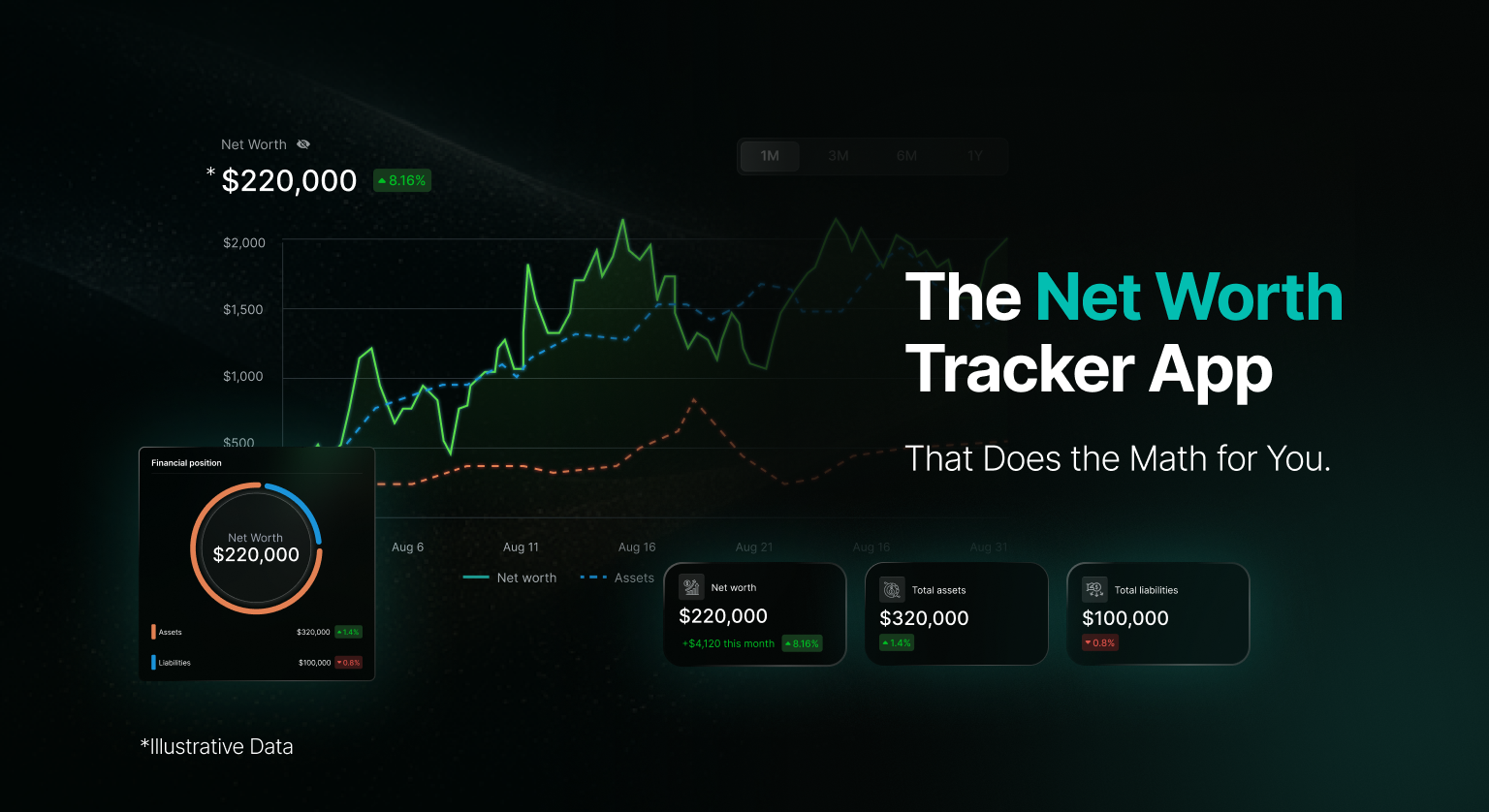
As financial technology evolves, tools that help people understand and manage their money safely become increasingly important. Platforms like WealthNX AI recognize that financial security goes hand in hand with financial literacy. By educating users about best practices for protecting their accounts, including the use of password managers, WealthNX AI helps build a foundation of safe, secure, and reliable financial management.
When you use financial planning or budgeting tools, those platforms need access to your financial data. Understanding how to protect that access through strong password practices is part of being financially informed. WealthNX AI takes this education seriously, ensuring users understand not just how to grow their wealth, but how to protect it.
Getting Started with a Password Manager
Implementing a password manager for your financial apps doesn’t require technical expertise. Here’s what the process typically looks like:
- Choose a reputable service: Research password managers that have strong security track records and positive reviews from security experts.
- Create a strong master password: This is the one password you’ll need to remember, so make it strong but memorable. Consider using a passphrase (a string of random words) rather than a traditional password.
- Enable multi-factor authentication: Add an extra layer of security to your password manager account itself.
- Import existing passwords: Most password managers can import passwords from your browser or other sources.
- Update weak passwords: Use the password generator to create new, strong passwords for your financial accounts one by one.
- Enable auto-fill: Allow the password manager to fill in your credentials automatically on trusted devices.
The Bigger Picture of Financial Security
Password managers are one component of a comprehensive approach to financial security. They work best when combined with other practices like regularly monitoring your accounts, enabling alerts for unusual activity, and staying informed about common fraud tactics.
The digital nature of modern finance means your security practices directly impact your financial health. A compromised bank account can lead to frozen funds, disputed transactions, and hours spent resolving issues. Prevention through strong password practices is far easier than recovery after a breach.
Frequently Asked Questions
Q: Are free password managers safe enough for banking apps?
Many free password managers offer strong encryption and security features suitable for financial accounts. The main differences between free and paid versions usually involve features like the number of devices you can sync, customer support options, and advanced sharing features rather than core security.
Q: Can I use my browser’s built-in password manager instead?
Browser password managers have improved significantly and can be adequate for basic use. However, dedicated password managers typically offer stronger encryption, better cross-platform compatibility, and additional features like security audits and breach monitoring that are valuable for financial accounts.
Q: How often do I need to change my passwords if I’m using a password manager?
With strong, unique passwords created by a password manager, you don’t need to change passwords on a schedule. Instead, change passwords when you receive notification of a breach at a service you use, or if you suspect your account may have been compromised.
Q: What happens to my passwords if the password manager company goes out of business?
Reputable password managers allow you to export your password vault as an encrypted file. You can then import this file into another password manager service. It’s good practice to occasionally export your vault as a backup regardless.
Q: Can password managers work with mobile banking apps?
Yes, password managers have mobile apps that integrate with iOS and Android systems to auto-fill passwords in mobile banking apps. The setup process varies slightly by device, but most password managers provide clear instructions.
Q: Is it safe to store other sensitive information in a password manager?
Password managers typically offer “secure notes” features where you can store information like account numbers, security codes, or important document details. This information receives the same encryption protection as your passwords, making it safer than storing such information in regular notes apps or documents.
Conclusion
Password managers have moved from being a tool for tech enthusiasts to a practical necessity for anyone managing their finances online. The combination of convenience and security they provide addresses the real-world challenge of maintaining strong, unique passwords across multiple financial accounts.
Financial experts recommend password managers because they solve a fundamental problem: humans are not good at creating and remembering the kinds of passwords that keep accounts secure. By offloading this task to a specialized tool, you can focus on your financial goals while maintaining the security your accounts need.
As you work toward building financial literacy and security, remember that protecting your accounts is just as important as growing them. Whether you’re using budgeting apps, investment platforms, or AI-powered financial education tools like WealthNX AI, strong password practices form the foundation of safe digital financial management.
References
Consumer Reports. (2023). Password managers: A comprehensive guide to keeping your accounts secure. https://www.consumerreports.org/password-managers
Dashlane. (2023). Password health and behavior report. https://www.dashlane.com/password-health
Federal Trade Commission. (2024). Consumer sentinel network data book 2023. https://www.ftc.gov/reports/consumer-sentinel-network-data-book-2023
Krebs on Security. (2023). What password manager breaches teach us about security. https://krebsonsecurity.com
Ponemon Institute. (2022). State of password and authentication security behaviors report. https://www.ponemon.org