

Ever wonder what financial apps can see when you connet your bank? Linking your bank account to budgeting apps, investment platforms, or payment services has become standard practice for millions of users. The convenience is undeniable—automatic transaction tracking, spending insights, and seamless transfers happen without manual data entry. But this ease of use raises an important question: what exactly can these financial apps see when you grant them access to your bank account?
Understanding the mechanics of bank account connections helps demystify the process and reveals both the capabilities and limitations of modern financial technology. The architecture behind these connections prioritizes security while enabling useful functionality, though the specifics often remain opaque to everyday users.
How Financial Apps Connect to Your Bank
Most financial applications don’t connect directly to your bank. Instead, they use specialized intermediary services called financial data aggregators. Plaid and MX are the two dominant players in this space, processing billions of transactions and serving as the invisible infrastructure connecting thousands of apps to thousands of financial institutions.
When you enter your bank credentials into a budgeting app like Mint, YNAB, or Personal Capital, you’re typically interacting with a Plaid or MX interface embedded within that app. Your login information passes through the aggregator’s secure servers, which then communicate with your bank’s systems to retrieve your financial data. The requesting app never sees your actual banking password—it only receives the data the aggregator retrieves and shares.
This intermediary model serves multiple purposes. Financial institutions can establish security protocols with a handful of aggregators rather than vetting thousands of individual apps. Apps benefit from standardized data formats regardless of which banks their users frequent. Users gain a consistent connection experience across different financial services.
What Apps Can Actually See
The data accessible to financial apps falls into several distinct categories, each serving different functional purposes.
Transaction History
Transaction data forms the foundation of most financial app functionality. Connected apps can typically view:
- Transaction dates and amounts
- Merchant names and categories
- Pending and posted transactions
- Transaction descriptions and notes
- Geographic location data (when available)
This information powers budgeting features, spending analysis, and expense categorization. Apps analyze these patterns to generate insights about user spending habits, identify recurring subscriptions, and flag unusual activity.
Account Information
Beyond individual transactions, apps can access account-level details including:
- Account balances (current and available)
- Account types (checking, savings, credit card)
- Account numbers (often partially masked)
- Routing numbers
- Account ownership details
- Interest rates and APYs
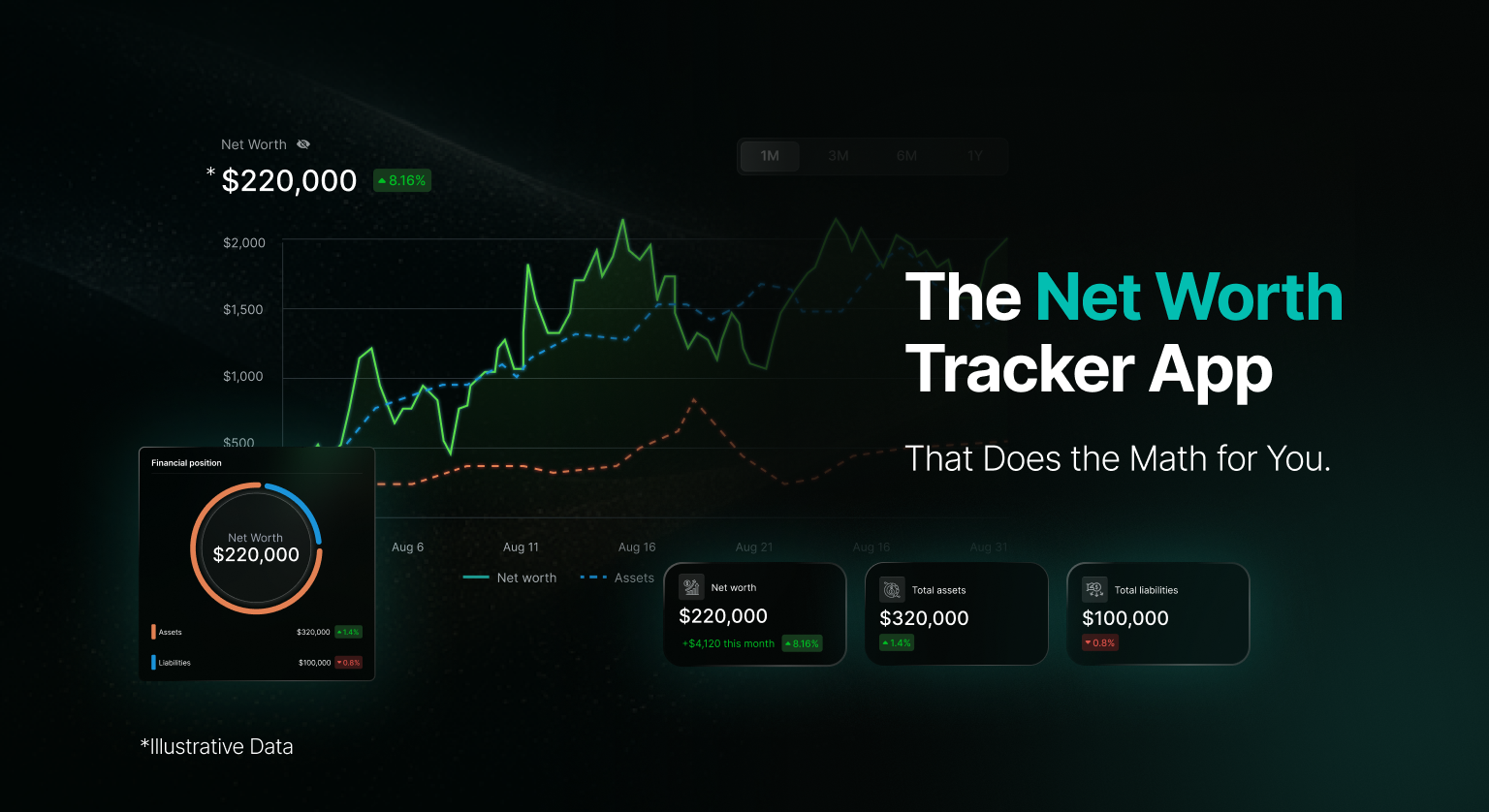
This data enables net worth tracking, multi-account dashboards, and balance monitoring features that many users rely on for comprehensive financial management.
Identity Verification Data
Some apps request additional information for identity verification purposes:
- Account holder name
- Contact information associated with accounts
- Tax identification numbers (in specific circumstances)
- Account opening dates
- Institution-specific customer IDs
This layer of data typically requires explicit user consent beyond basic account connection and serves compliance requirements for apps offering services like lending or investment management.
The Read-Only Access Model
A critical distinction separates data retrieval from account control. When you connect your bank to most financial apps, you grant read-only access. This means the app can view your information but cannot initiate transactions, transfer money, or modify your account in any way.
Read-only access provides a security buffer that limits potential damage from compromised apps or data breaches. Even if an unauthorized party gained access to an app with read-only permissions, they couldn’t drain your accounts or execute fraudulent transfers through that connection.
|
Access Type |
Can View Data |
Can Initiate Transactions |
Can Modify Account |
|
Read-Only |
Yes |
No |
No |
|
Read-Write |
Yes |
Yes (with explicit authorization) |
Limited |
|
Full Access |
Yes |
Yes |
Yes |
However, not all financial apps limit themselves to read-only access. Payment apps like Venmo, Cash App, and PayPal require write access to facilitate their core functionality—moving money between accounts. When you connect your bank to these services, you grant broader permissions that include transaction initiation capabilities.
Permission Scopes and Granular Control
Modern financial data aggregators have evolved beyond simple all-or-nothing access models. Permission scopes allow apps to request only the specific data types they need for their intended functionality.
An app focused solely on expense tracking might request only transaction data and balances, while a comprehensive financial planning platform might request access to investment holdings, loan details, and historical statements. Users can often review and modify these permissions after initial connection, though the granularity of control varies by aggregator and app.
Common Permission Categories
Account balances only: Minimal access for apps that simply need to display current balances across multiple institutions.
Transactions and balances: Standard access for budgeting and expense tracking applications that categorize and analyze spending patterns.
Identity and account details: Extended access for apps performing credit checks, loan applications, or identity verification processes.
Investment holdings: Specialized access for portfolio management tools tracking stock positions, mutual funds, and retirement accounts.
Full financial profile: Comprehensive access for wealth management platforms or financial planning services requiring complete visibility across all financial accounts.
What Financial Apps Cannot See
Despite the extensive data available through bank connections, several categories of information remain inaccessible to connected apps:
PIN numbers and passwords: Aggregators and apps never store or access your actual banking passwords after the initial connection. Authentication tokens replace credentials for ongoing access.
Secure messages: Communications with your bank through secure messaging systems remain private and inaccessible to connected apps.
Account security settings: Your security questions, two-factor authentication settings, and other security configurations stay within the bank’s exclusive control.
Detailed beneficiary information: While apps may see account ownership, detailed beneficiary designations for payable-on-death accounts typically remain protected.
Pending legal actions: Holds, garnishments, or legal orders on accounts generally don’t transmit through aggregator connections.
Bank employee notes: Internal bank notes, flags, or annotations on your account remain invisible to external applications.
Security Measures in Data Aggregation
Plaid and MX implement multiple security layers to protect data transmission and storage. Bank-level encryption (256-bit SSL) secures data in transit. Credentials undergo tokenization, replacing sensitive login information with randomly generated tokens that apps use for subsequent data requests. Multi-factor authentication adds an additional verification step for many connections.
Both aggregators maintain SOC 2 Type II compliance, demonstrating adherence to strict data security standards through regular third-party audits. They also implement automated anomaly detection to identify unusual access patterns that might indicate compromised accounts or malicious activity.
Financial institutions themselves maintain the authority to revoke aggregator access at any time. If a bank detects suspicious activity originating from data aggregator connections, it can immediately terminate those connections to protect customer accounts.
The Technical Architecture
Understanding the technical flow helps clarify what happens behind the scenes when you connect an app to your bank:
- Initial connection request: User initiates account linking within an app
- Aggregator authentication: Plaid or MX presents an authentication interface
- Credential transmission: User credentials pass through encrypted channels to the aggregator
- Bank authentication: Aggregator logs into the bank using provided credentials
- Data retrieval: Aggregator pulls requested data based on permission scopes
- Token generation: Aggregator creates access tokens for ongoing connections
- Data transmission: Retrieved data passes to the requesting app
- Credential disposal: Original login credentials are discarded; only tokens remain
This process typically takes 30-90 seconds for the initial connection. Subsequent data refreshes use stored tokens and complete in just a few seconds since the authentication step is bypassed.
User Control and Revocation
Connected users retain control over their data sharing relationships. Most financial apps provide settings screens where users can review connected accounts, modify permissions, or completely disconnect accounts. Additionally, users can revoke access directly through their bank’s online banking interface or by contacting customer service.
When you disconnect an account, the app loses access to future data updates, though historical data already retrieved typically remains in the app’s database unless explicitly deleted. This means disconnecting doesn’t automatically erase your transaction history from the app—it simply prevents new data from flowing in.
Real-World Usage Patterns
Financial data aggregators handle massive volumes of connections. Plaid alone processes data for over 8,000 financial institutions and serves more than 200 million consumer accounts. MX connects to similar numbers, collectively covering nearly every major bank and credit union in North America.
|
Aggregator |
Connected Institutions |
Consumer Accounts |
Daily API Calls |
|
Plaid |
8,000+ |
200M+ |
Billions |
|
MX |
16,000+ |
100M+ |
Billions |
These numbers reflect the widespread adoption of connected financial services. From budgeting apps to investment platforms, from payment processors to lending services, financial data aggregation has become foundational infrastructure for modern fintech.
Privacy Considerations
While security measures protect data in transit and at rest, privacy concerns extend beyond technical safeguards. Connected apps can analyze transaction patterns to build detailed profiles of user behavior, preferences, and lifestyle characteristics. Merchant names reveal shopping habits, recurring charges expose subscriptions and memberships, and transaction timing provides insights into daily routines.
Many apps monetize user data through aggregated analytics, selling insights to financial institutions, retailers, or marketing firms. Though this typically involves anonymized data stripped of personally identifiable information, the potential for re-identification exists when transaction patterns are sufficiently unique.
Users should review privacy policies carefully before connecting accounts, paying particular attention to sections describing data usage, sharing practices, and monetization models. Apps vary widely in their approach to user privacy, with some treating data as a core business asset and others maintaining strict policies against third-party data sharing.
Conclusion
The financial technology ecosystem has developed sophisticated mechanisms for connecting apps to bank accounts while maintaining security and limiting risk. Read-only access, tokenized authentication, and granular permission scopes create a framework where useful functionality coexists with protective limitations. Financial apps can see comprehensive transaction histories, account balances, and identity information when granted permission, but they cannot access passwords, initiate unauthorized transactions, or modify account settings without explicit authorization.
Understanding these capabilities and limitations empowers users to make informed decisions about which apps to trust with bank connections. The intermediary role of aggregators like Plaid and MX provides standardization and security while enabling the innovation that has transformed personal financial management over the past decade. As financial technology continues evolving, the balance between convenience and security remains paramount, with user control and transparency serving as essential components of trustworthy financial data sharing.
References
Plaid Technologies, Inc. (2024). How Plaid works: Security and privacy. https://plaid.com/safety/
MX Technologies, Inc. (2024). Data security and privacy at MX. https://www.mx.com/security/
Financial Data Exchange. (2024). FDX API standards and specifications. https://financialdataexchange.org/
Consumer Financial Protection Bureau. (2023). Required rulemaking on personal financial data rights. https://www.consumerfinance.gov/data-research/research-reports/required-rulemaking-on-personal-financial-data-rights/
National Institute of Standards and Technology. (2023). Framework for improving critical infrastructure cybersecurity. https://www.nist.gov/cyberframework