
Stock Watchlist for the Stocks and Crypto You're Following
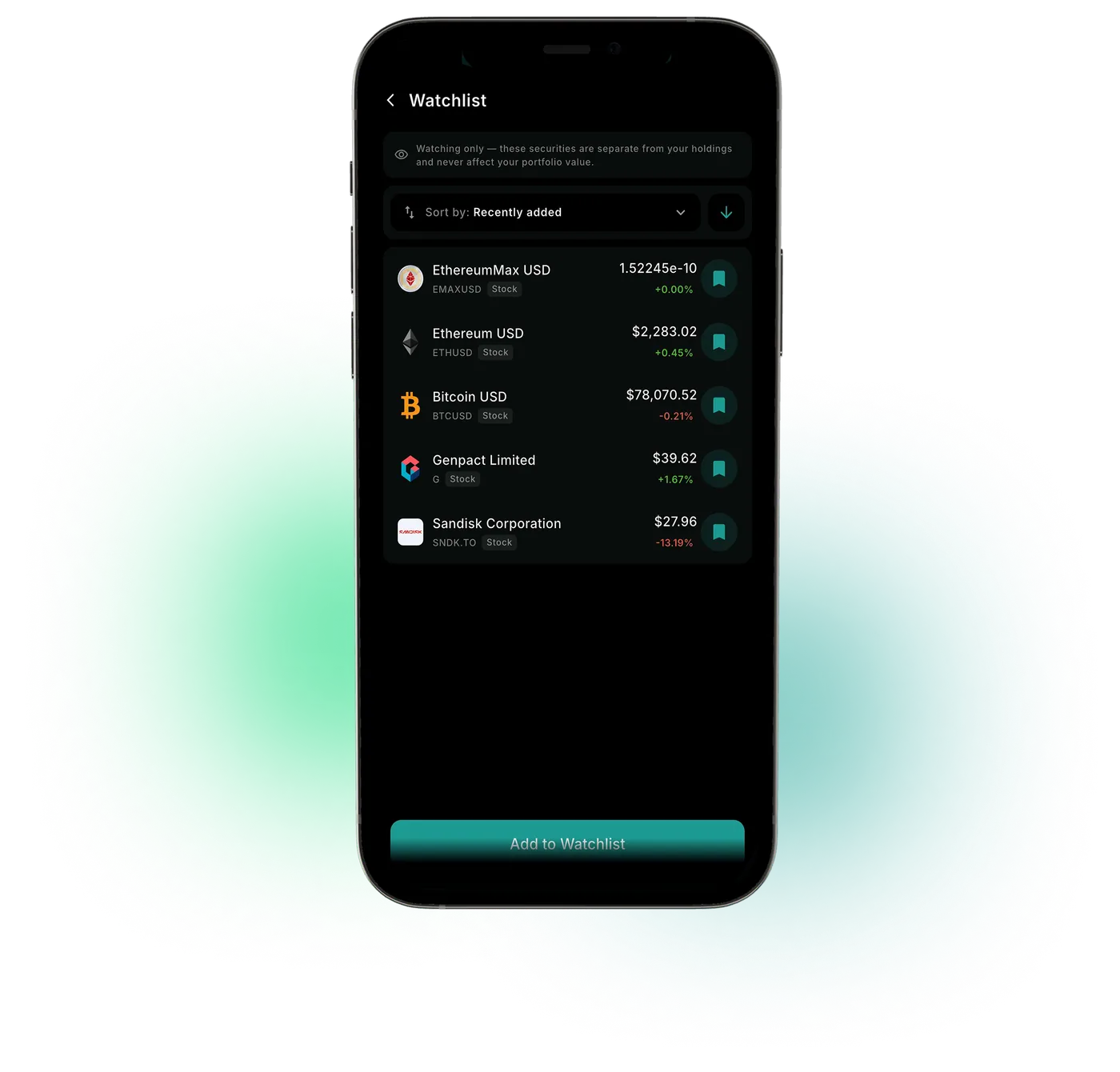
A crypto watchlist and stock list in one, with market price alerts, Top Movers and news sentiment from Benzinga and Nasdaq.
Market data sources




Stocks You're Watching Are Spread Across Apps and Tabs
The WealthNX stock watchlist keeps the securities you want to follow in one list. Each one opens to available company information, including ESG data, DCF estimates and financial statements where supported, plus news sentiment. Top Movers show notable market moves. Price alerts can notify you when a stock or crypto goes above or below a price you set, or changes by a percentage, depending on your notification settings.
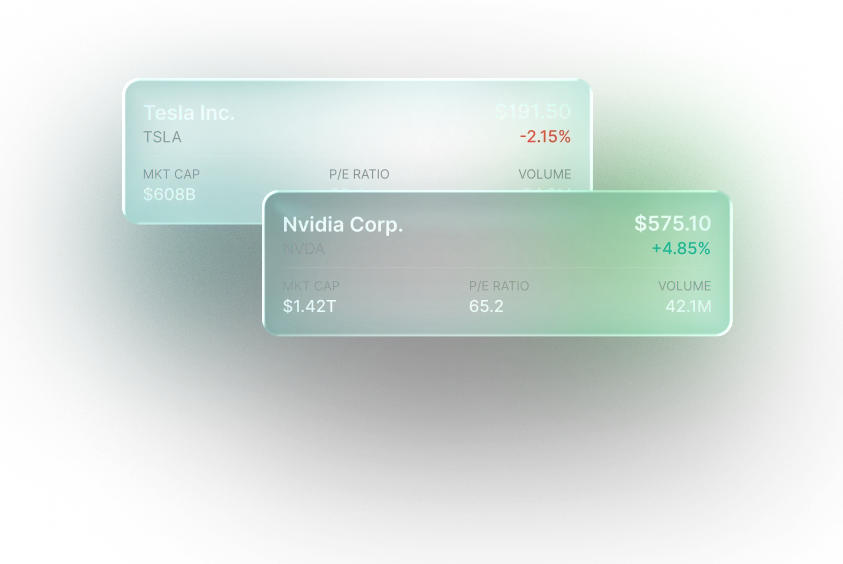
What the WealthNX Watchlist Shows
Keep the names that matter close
Securities you save stay in the list, so there's no searching for them again.
See what's moving
Top Movers appear next to the securities you follow.
Go deeper into a stock
Available company information, including ESG data, DCF estimates and financial statements, where supported. DCF estimates depend on their assumptions.
Add market context
News sentiment and other available analysis for each security.
Price alerts you set
Above, below or % change alerts for a stock or crypto, set from the bell icon on its detail screen.
Research stays research
A watchlist helps you follow securities. It does not place trades.
Why Keep a Watchlist
A list in a notes app holds names. It doesn't show prices, news or alerts.
Without a watchlist
- Stocks to watch end up in a broker app, a notes app and browser tabs
- A price you were waiting for comes and goes while you're not looking
- Research on a stock starts over each time you come back to it
With WealthNX
- Stocks and crypto you follow share one list, next to the accounts you link
- Price alerts for a price above or below your target, or a % change, can notify you depending on your settings.
- Company data, news sentiment and price moves open from the same list
Who Gets the Most From a Watchlist
Investors watch stocks for different reasons.
Investors researching before they buy
A way to track stocks before buying, with company data and news sentiment saved in one place until you decide.
Stock and crypto holders
Coins and stocks you're watching share one list, next to the ones you already own.
Investors who follow earnings
Upcoming report dates for stocks on your watchlist are in the earnings calendar for your stocks.
Ask Wealth Genie About the Stocks You Follow
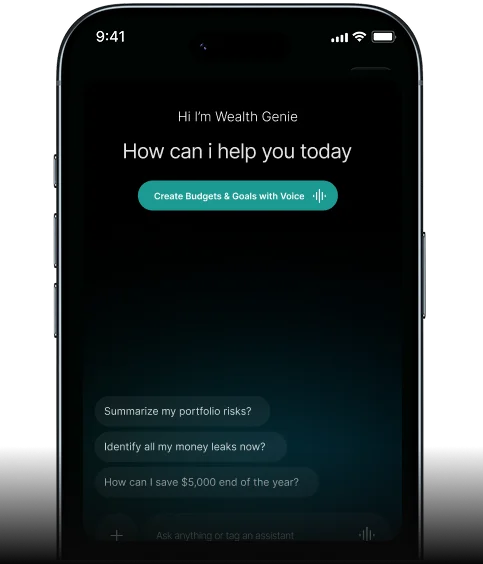
Wealth Genie explains a stock's data and news in plain words, using available market data. It does not tell you whether to buy.
- How has this stock moved over the past month?
- What is the recent news sentiment for this stock?
- What does the DCF estimate for this stock assume?
- When does this company report earnings next?
Questions About Following Stocks
How do I manage my price alerts in WealthNX?
Go to the WealthNX app. Under Settings > Account > Price Alerts. Alerts are grouped as Active, Triggered and Expired, and active alerts can be paused, resumed, edited or deleted.
Can I follow stocks without buying them?
Yes. A stock watchlist saves supported securities to follow and research. It does not place trades or send orders to a brokerage.
Does WealthNX have market price alerts?
Yes, for supported securities. WealthNX can notify you when a watched security reaches a price you set, depending on your notification settings.
Can I add crypto to my watchlist?
Yes. Crypto from CoinGecko's coverage can be followed in the same list as stocks.
What is a DCF estimate?
A discounted cash flow (DCF) estimate values a company from the cash it is projected to earn in the future, converted to today's dollars. The result depends on its assumptions, such as growth and discount rate, and is not a price target.
Your Watchlist and Your Accounts, in One App
Stocks you're curious about stay in view until you're ready to decide.
