
A Stock Screener App for Finding US Stocks That Match Your Criteria
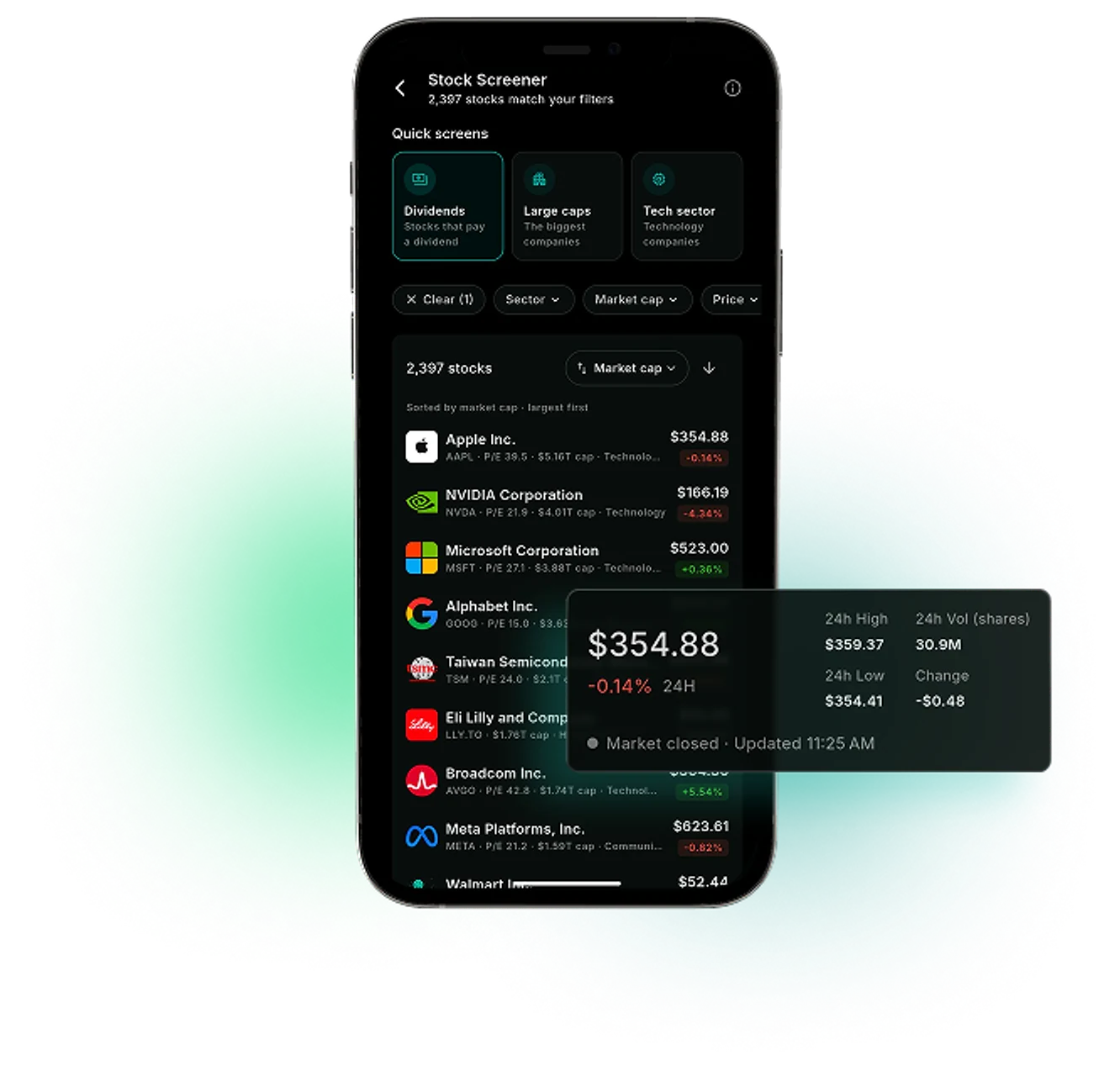
A US stock screener with 11 filters, three quick screens and six ways to sort, built on FMP data. Each result opens the stock's detail screen.
Market data sources




Thousands of US Stocks, and No Easy Way to Narrow Them Down
The WealthNX stock screener app narrows supported US-listed stocks to the ones that match your filters. You choose filters such as sector, market cap, P/E or dividends, and the screener shows how many stocks match. Results sort six ways, and each one opens the stock's detail screen.
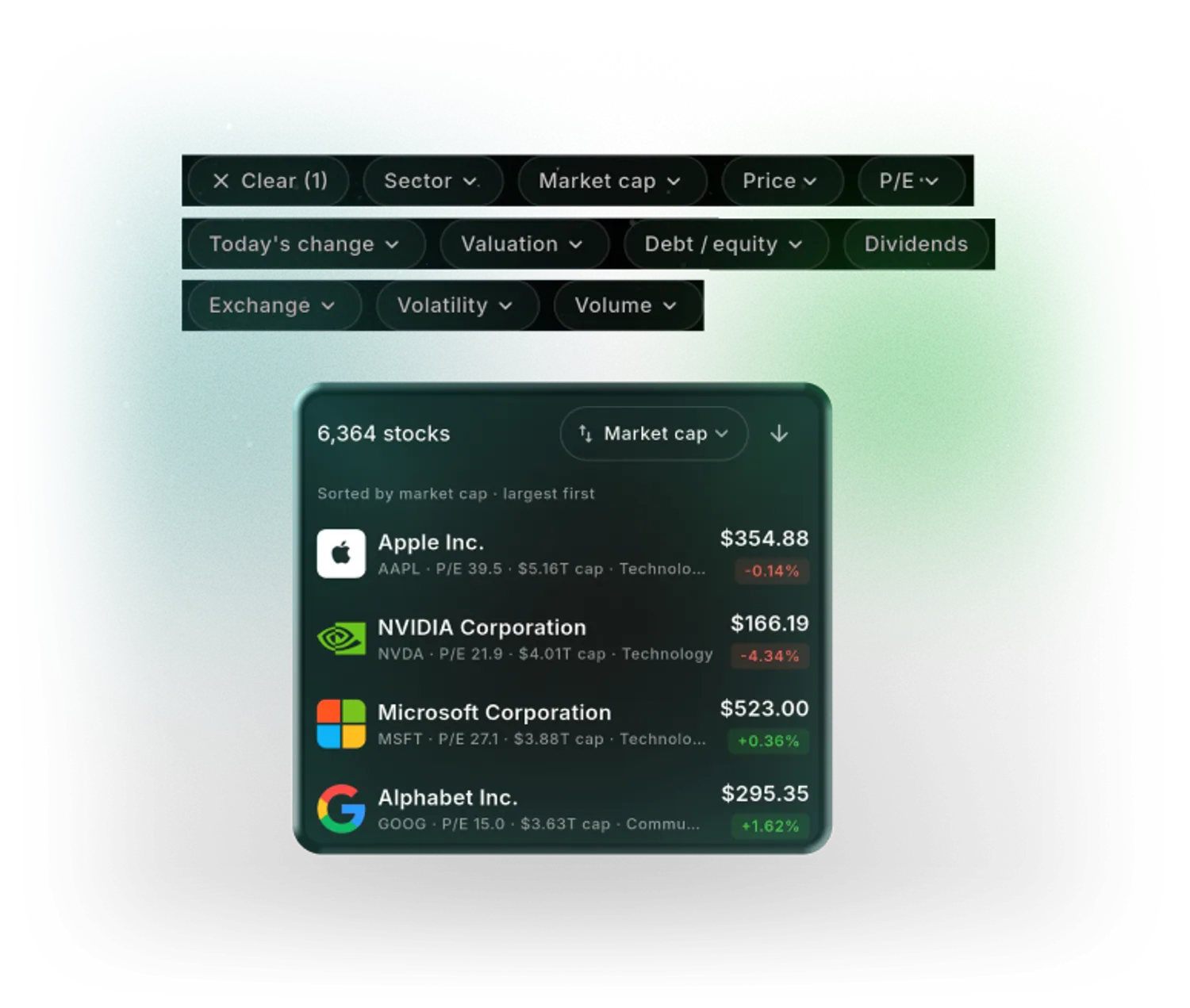
What the WealthNX Stock Screener Does
Quick screens to start
Dividends, Large caps or Tech sector, applied in one tap.
Eleven stock filters
Sector, market cap, price, P/E, today's change, valuation, debt-to-equity, dividends, exchange, volatility and volume.
A count of matching stocks
The number of stocks that match your filters shows at the top of the screen.
Sorted your way
Results sort by market cap, price, volume, P/E, debt-to-equity or name.
Valuation against a DCF estimate
Compares a stock's price with FMP's discounted cash flow estimate. One model, not a recommendation.
From a result to the details
Each result opens the stock's detail screen, with the company's numbers and news.
Why Use a Stock Screener App
Thousands of stocks trade in the US, and most stock lists show the same few names.
Without a stock screener app
- Thousands of US-listed stocks and no simple way to narrow them
- P/E and debt-to-equity looked up one company at a time
- A list of tickers still needs another site for company details
- Stock research happens apart from the accounts you hold
With WealthNX
- Filters for sector, size, valuation measures and dividends cut the list down
- P/E and market cap show on each result, and results sort by P/E or debt-to-equity
- A result opens the stock's detail screen in the same app
- The screener sits in the same app as your linked brokerage accounts
Who Uses the Stock Screener?
Investors screen stocks for different reasons.
Self-directed researchers
Thousands of stocks narrowed to a short list by sector, size and valuation measures, before deeper research.
Dividend investors
The Dividends quick screen lists stocks that pay a dividend. Dividends from stocks you already own are in the dividend tracker.
Newer investors
Large caps and Tech sector give a starting point without setting a single filter.
Holders of individual stocks
A sector sorted by P/E or market cap shows where a stock you own sits among others. Its financial statements, peers and analyst ratings are in stock analysis.
Questions About Stock Filters?
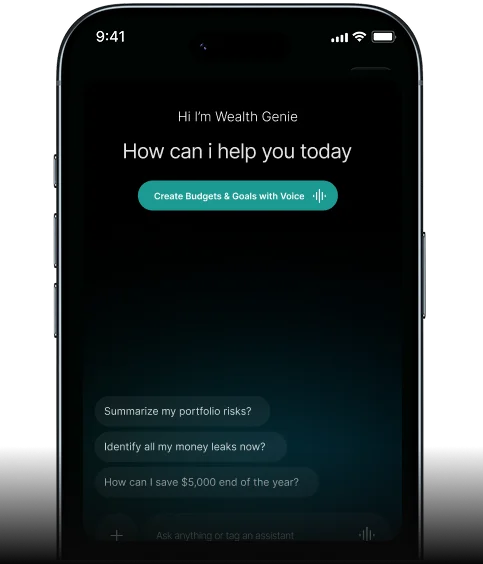
Some filters use terms that take a minute to learn. Wealth Genie answers stock and market questions in plain words. A stock that matches a filter is a result to research, not a recommendation.
- What does a P/E ratio tell me?
- What does debt-to-equity measure?
- What is a discounted cash flow estimate?
- What does volatility mean for a stock?
Questions About the WealthNX Stock Screener
Is there a free screener for stocks in WealthNX?
The Stock Screener is included in every WealthNX plan, and it is available during the 7-day free trial.
Which stocks does the screener cover?
US-listed, actively traded stocks, using fundamentals and market data from FMP. It is in the app under Market > Stocks, on the Stock Screener card.
What does the Valuation filter show?
It compares a stock's price with FMP's discounted cash flow (DCF) estimate. DCF is one model among many. It doesn't forecast where a price will go, and a match doesn't mean a stock is a good investment.
How often is the screener data updated?
P/E and debt-to-equity are trailing-12-month figures, refreshed once a day. Today's change comes from the latest quotes and may be delayed.
Can I use it as a dividend stock screener?
Yes. The Dividends quick screen and the Dividends filter list stocks that pay a dividend. Other filters, such as sector or market cap, can narrow that list further.
A Short List of Stocks, Built From Your Filters
Sector, size, P/E and dividends, narrowed to a short list you can open one by one.
