
Organize Your Transactions and Understand Your Spending
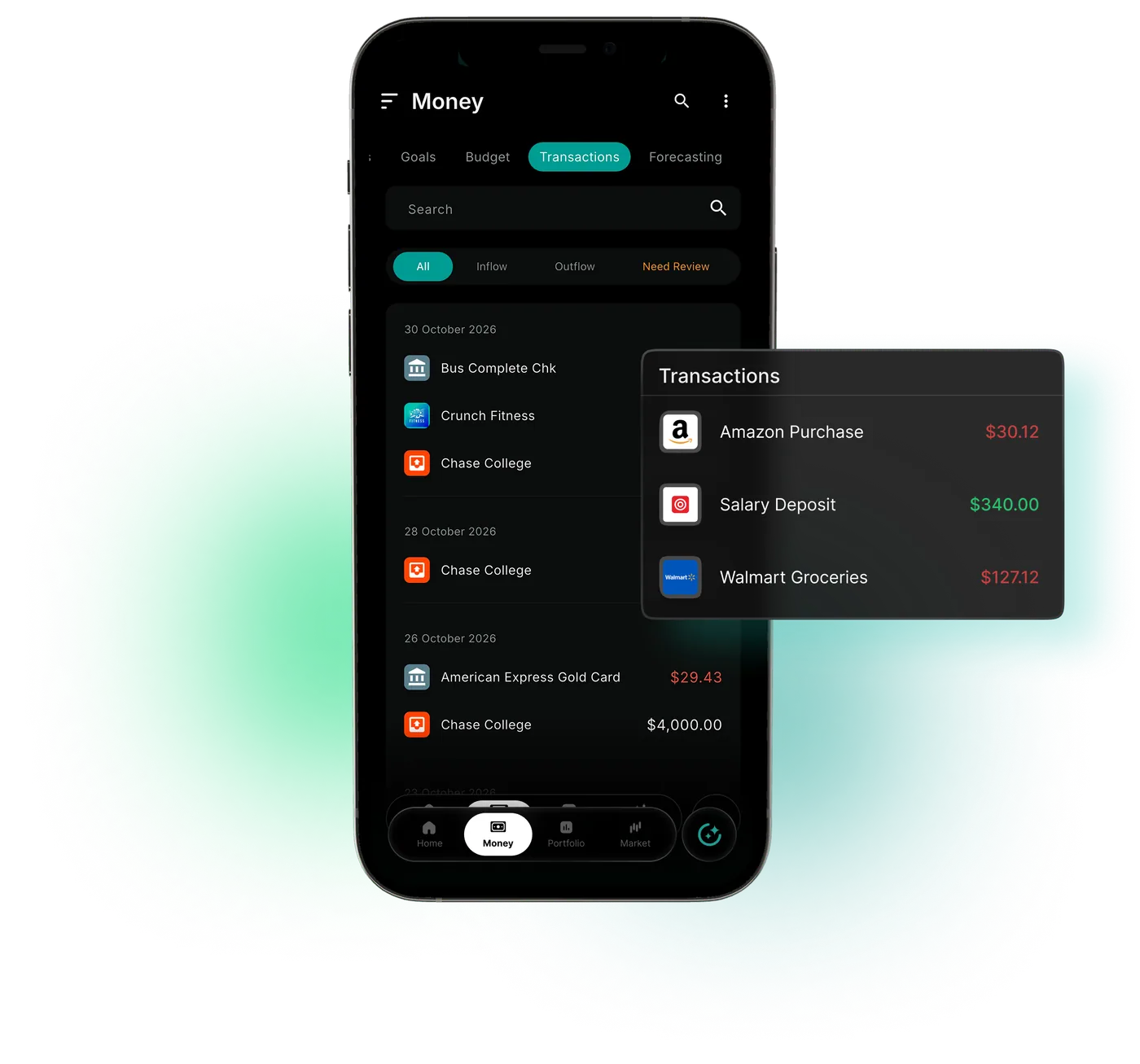
A spending tracker app that links to bank and card accounts through Plaid, with automatic transaction categorization and search.
Market data sources




Charges From Different Cards Don't Sort Themselves
WealthNX is an expense tracker app that lets you track spending by category automatically. Charges arrive from cards and accounts at 12,000+ institutions through Plaid. Supported transactions are automatically categorized as they become available, helping your spending totals for groceries, dining and travel build up over time.
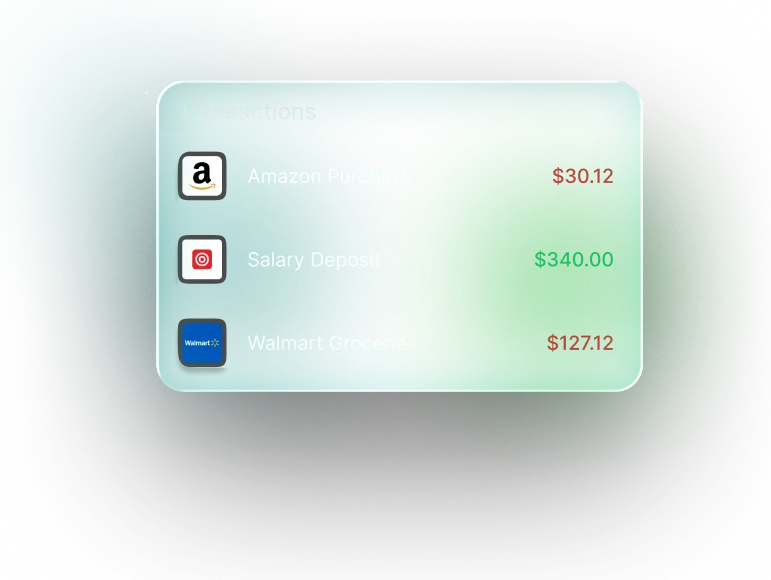
What the WealthNX Transaction List Does
Find the purchase, fast
Search available transactions when you need to revisit a payment, transfer or everyday purchase.
Make sense of your spending
Explore the transaction categories behind your spending totals.
Receipt Scan: less typing
Capture supported details from a receipt and bring them into your transaction view. Check the information for accuracy.
Change a category
A purchase in the wrong category moves to the right one, and totals follow.
Add cash purchases
Cash spending can be entered by hand.
Narrow a long list
Filters shorten the list to the charges you need.
Why You Need a Transaction Tracker App
Card apps show charges one card at a time.
Without a transaction tracker
- Each card app shows its own charges with its own labels
- The same merchant lands in the wrong category month after month
- Sorted charges never reach your budget or monthly totals
With WealthNX
- Charges from your linked cards share one list and one set of categories
- Correct a transaction's category so your spending totals reflect the change
- Categories feed your AI budgeting limits and cash flow tracker
Who Is the WealthNX Expense Tracker For?
Each household gets something different from a spending tracker.
Households watching their spending
Recurring charges in the list connect to the subscription tracker, which finds and tracks them.
Couples and families
Household members can link their own supported accounts, and their charges get the same automatic categories.
Side earners and business owners
Keep business and personal transactions organized separately for clearer spending analysis.
People switching apps
A bank statement import brings older transactions along.
Ask Wealth Genie About Your Spending
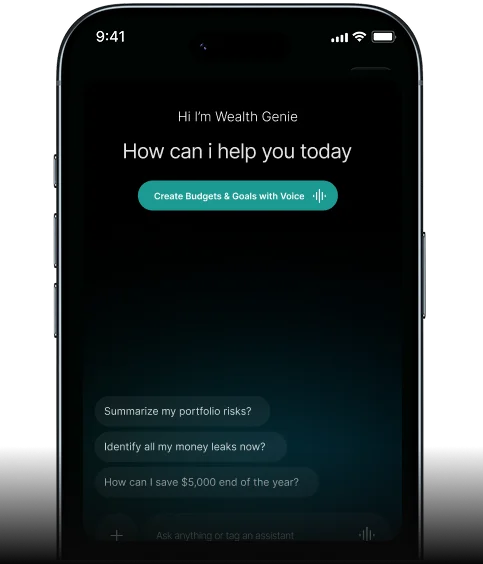
Wealth Genie answers spending questions in plain words, using your categorized transactions.
- How much did I spend on dining out in March?
- What were my three largest purchases last month?
- Which merchant did I pay the most this year?
- How much went to groceries this quarter?
Questions About Tracking Your Expenses
Can WealthNX let me see all transactions from all accounts in one place?
WealthNX brings transactions from your connected bank accounts and credit cards into a unified transaction feed. You can see all transactions from all accounts in one place, including available details such as the date, amount, merchant and spending category. This makes it easier to review your activity, check unfamiliar charges and understand where your money goes without switching between different apps.
Can WealthNX work as a transaction tracker app to categorize my spending?
Yes. WealthNX works as a transaction tracker app that automatically organizes your spending into categories such as groceries, transport, utilities, shopping, subscriptions and entertainment. It uses transaction details from your connected accounts to group your expenses, making it easier to understand where your money goes. You can review transactions by category, identify where you spend the most and correct any transactions placed in the wrong category. This gives you a clearer breakdown of your everyday spending without having to organize every transaction yourself.
What does having all bank transactions in one app through WealthNX actually save me?
Having all bank transactions in one app through WealthNX saves you the hassle of checking multiple banking apps to keep track of your spending. The unified transaction feed brings your available transactions from connected accounts into one place, making it easier to find a particular payment, review recent purchases or check your spending at the end of the month. Whether you use two accounts or several, you can see your financial activity together without switching between different apps. This makes managing everyday transactions simpler and less time-consuming.
Does WealthNX show a combined transaction history going back several months?
Yes. WealthNX brings your combined transaction history from connected accounts into one place, allowing you to look back at transactions from previous months. How far back you can go depends on the transaction data available from your financial institutions. You can use this history to find past purchases, review expenses over a particular period or compare your spending across different months. Having your combined transaction history in one view makes it easier to review past financial activity without checking each account separately.
Can I search for specific transactions across all my accounts in WealthNX?
Yes. WealthNX lets you search for specific transactions within your unified transaction feed, so you don't have to scroll through months of activity to find what you're looking for. You can search by merchant name to locate past purchases, check subscription charges or review payments to a particular business. Being able to search transactions across multiple banks makes it easier to find what you need without going through each connected account separately.
Can I filter my transaction tracker view by category or date in WealthNX?
WealthNX lets you filter your transaction tracker by category, date range, account or amount, making it easier to find the transactions you want to review. For example, you can check subscription payments from the past months or look at how much you've spent on groceries during a particular period. You can also narrow your results to specific accounts or review transactions across your connected accounts. These filters help you explore your spending history without scrolling through every transaction.
Does WealthNX notify me about new transactions as they appear?
WealthNX helps you keep track of recent activity across your connected accounts through its personal finance transaction tracker. Transaction information is updated as new data becomes available from your financial institutions, so some transactions may take time to appear. WealthNX is designed to give you a convenient view of your transactions in one place, rather than guarantee instant notifications for every payment. For immediate transaction alerts, you can continue using the notifications provided by your bank.
Is the transaction data from my accounts secure in WealthNX?
Yes. WealthNX uses secure, read-only connections to access your transaction history from supported financial institutions. Your banking credentials are not stored on WealthNX servers, and the app cannot initiate payments, place trades or move money from your accounts. WealthNX is also ISO 27001 certified, demonstrating its commitment to internationally recognized information security standards. These safeguards help protect your financial information while allowing you to view your transactions in one place.
How does WealthNX handle transactions from credit cards versus bank accounts?
WealthNX brings your credit card transactions and bank account transactions together in a unified transaction feed, while keeping each transaction linked to its original account. You can see purchases made using your credit card alongside payments made from your bank account. For example, when you pay your credit card bill, the payment may appear in both accounts, but that doesn't mean you've spent the money twice. This distinction is important for cash flow tracking, as it helps you understand your spending and payments without confusing the two.
Your Purchases, Sorted Before You Open the App
Your first linked card fills the list with categorized purchases.
