
A Stock Analysis App for Company Financials, Peers and Analyst Ratings
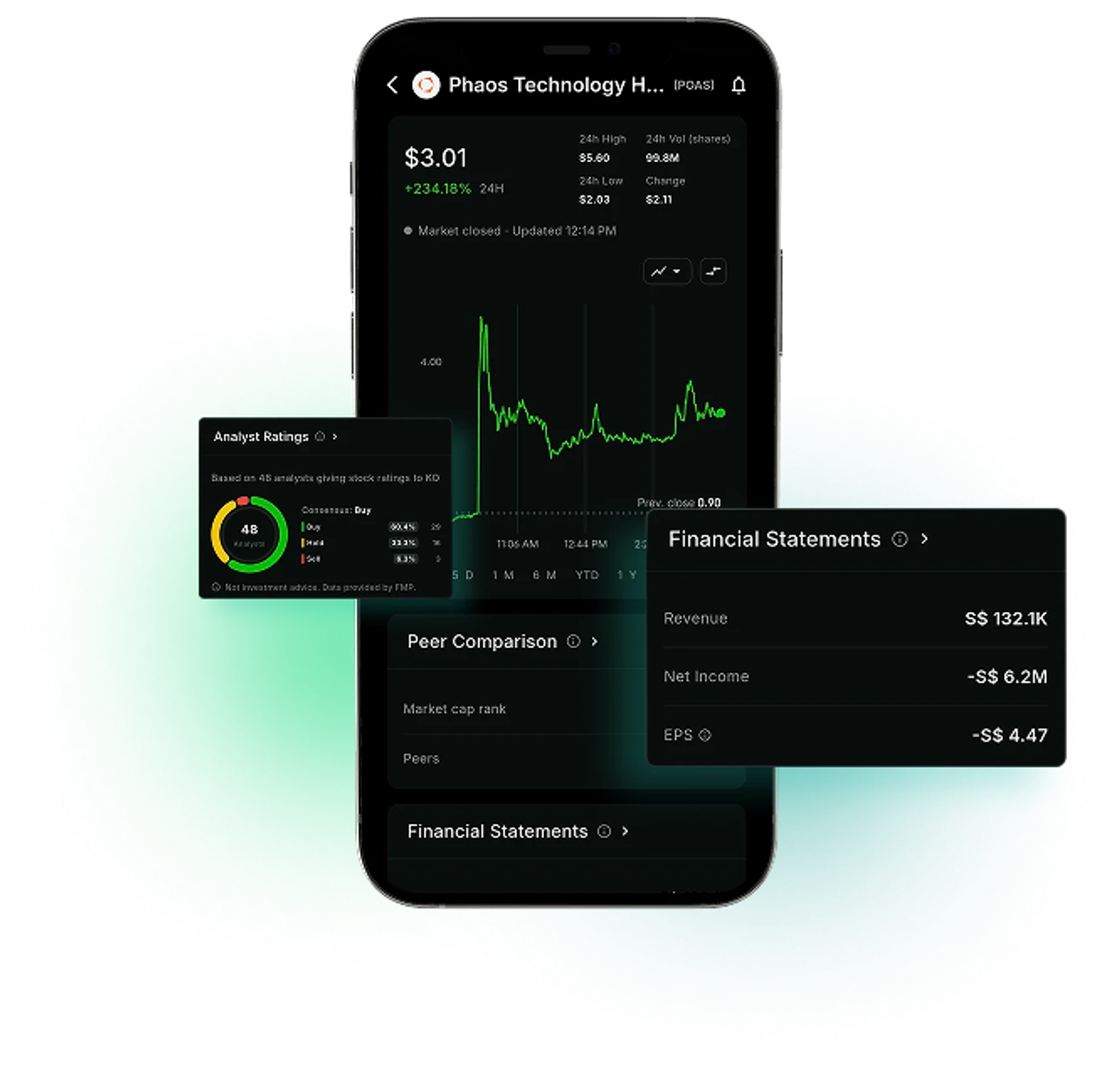
Company financial statements, the company's peers ranked by market cap, and Wall Street analyst ratings, together on each stock's screen. Financial data provided by FMP, including information from publicly available company filings where applicable.
Market data sources




Company Research Is Spread Across Filings, Research Sites and News
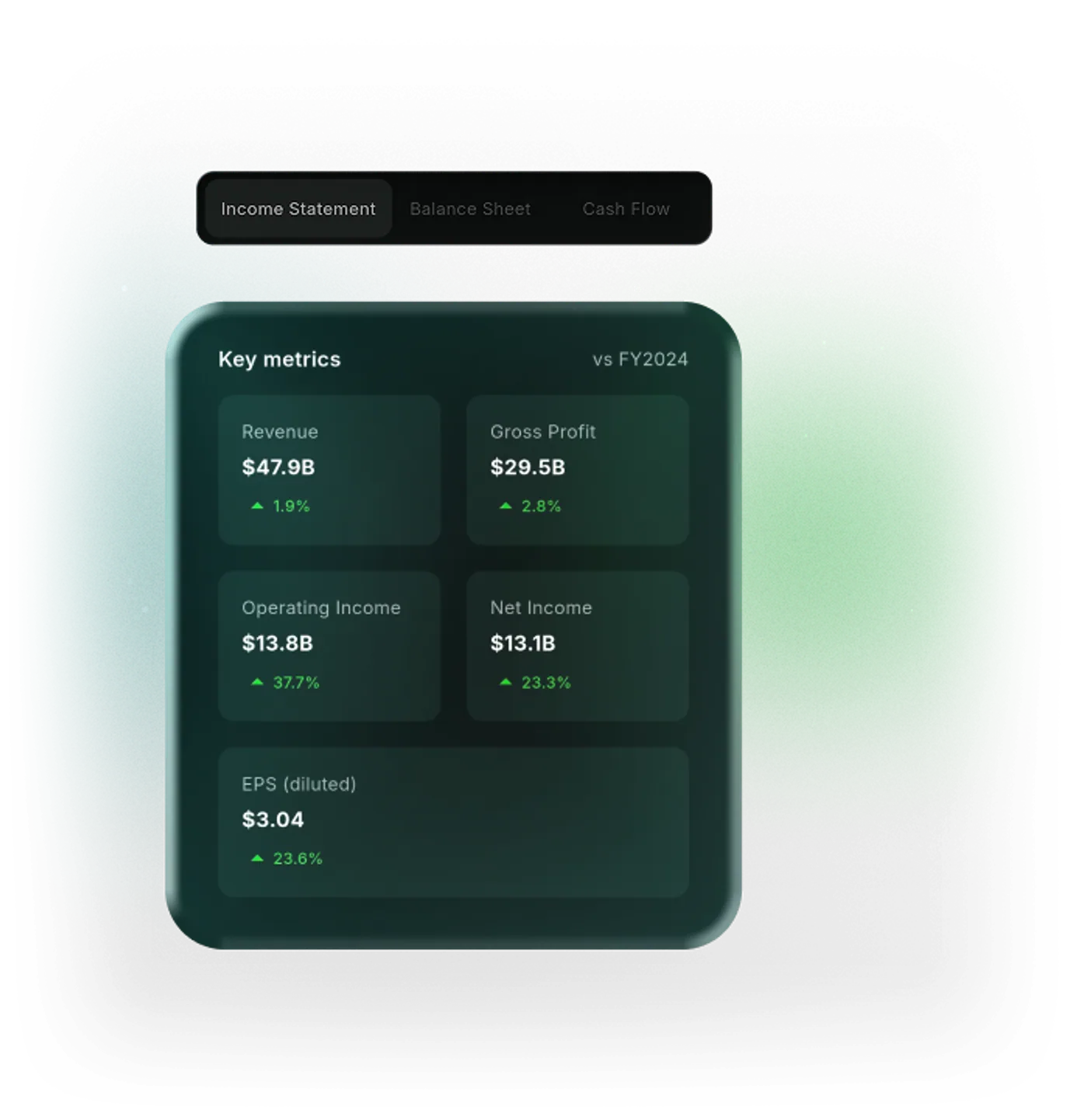
The WealthNX stock analysis app puts three parts of company research on each stock's screen. The income statement, balance sheet and cash flow statement show the latest annual results. Peer Comparison lists similar companies by market cap. Analyst Ratings shows the ratings and price targets analysts published, with dates.
Six Parts of Company Research in WealthNX
Three statements in one place
The income statement, balance sheet and cash flow statement, laid out as tables.
Annual results from company filings
The latest annual results available, from filings companies publish with the SEC.
The company's peer group
Similar companies identified through FMP data, displayed by market capitalization.
Where it ranks among peers
The company's rank by market cap out of the total peer group, with the list sorted by market cap.
Analyst ratings and price targets
Ratings and price targets published by Wall Street analysts, each with its date.
Rating changes over time
Ratings, price targets and rating changes appear in one list, with dates.
Why Research a Company in One App
Researching a company usually means opening several sites before reaching the numbers.
Without a stock analysis app
- Company financial statements sit inside annual filings on SEC EDGAR
- Finding a company's competitors takes separate searches
- Analyst ratings and price targets are spread across research and news sites
- Company research happens apart from the accounts you hold
With WealthNX
- The three statements appear as tables on the company's screen
- Peer Comparison lists similar companies, sorted by market cap
- Ratings, price targets and rating changes appear in one list, with dates
- Research sits in the same app as your linked brokerage accounts
Who Gets the Most From Company Financials
Investors look at company numbers for different reasons.
Self-directed researchers
Statements, peers and ratings for a company, reviewed on one screen.
Holders of individual stocks
The latest annual results of companies you own, in the app that holds your portfolio. Reported trades by company insiders are in insider trading data.
Newer investors
A stock peer comparison shows which companies are similar in industry and size, a common starting point for comparing stocks.
Watchlist users
Company research for stocks on your stock watchlist. Upcoming report dates are in the earnings calendar.
Ask Wealth Genie About Stocks and the Market
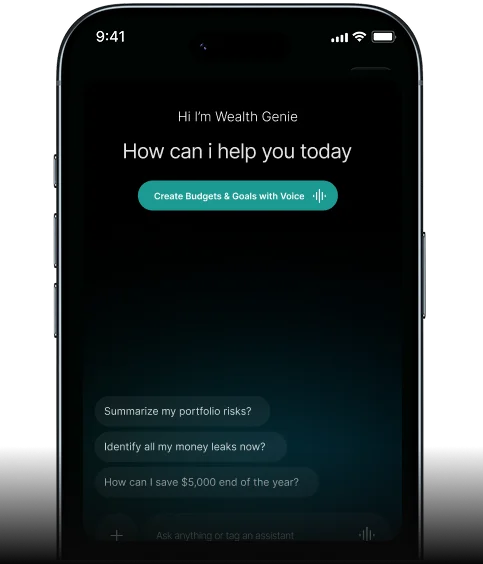
Financial statements and analyst reports use terms that can be hard to follow. Wealth Genie answers stock and market questions in plain words. It explains, and the decisions stay yours.
- What is the difference between net income and free cash flow?
- What does a balance sheet tell me about a company?
- What is the market cap?
- What does an analyst downgrade mean?
Questions About Company Financials and Analyst Ratings
Where can I see a company's financial statements?
In WealthNX, under Market > Stocks. Open a company and scroll to Financial Statements to see its income statement, balance sheet and cash flow statement.
What do the three financial statements show?
The income statement shows revenue, costs and profit for a period. The balance sheet shows what the company owns and owes on a date. The cash flow statement shows cash coming in and going out.
How does WealthNX find stock competitors?
FMP picks stock competitors for each company by industry or sector and by market cap. WealthNX shows the list sorted by market cap, with the company's rank by market cap in the group.
What is a stock price target?
A stock price target is the price an analyst estimates a share could reach. It is the analyst's own estimate. It is not a WealthNX forecast, and it does not guarantee a price.
Are analyst ratings a recommendation from WealthNX?
No. Analyst ratings are published by analysts and their firms, and FMP collects them. WealthNX shows them as context for your research and does not make buy, sell or hold recommendations. Companies without analyst coverage show no ratings.
A Company's Numbers, Peers and Ratings on One Screen
The income statement, the competitors and the analyst ratings, one scroll apart.
